Home Technology: Advanced Audio and Entertainment Systems
By Housey · Last reviewed 30th of May 2026
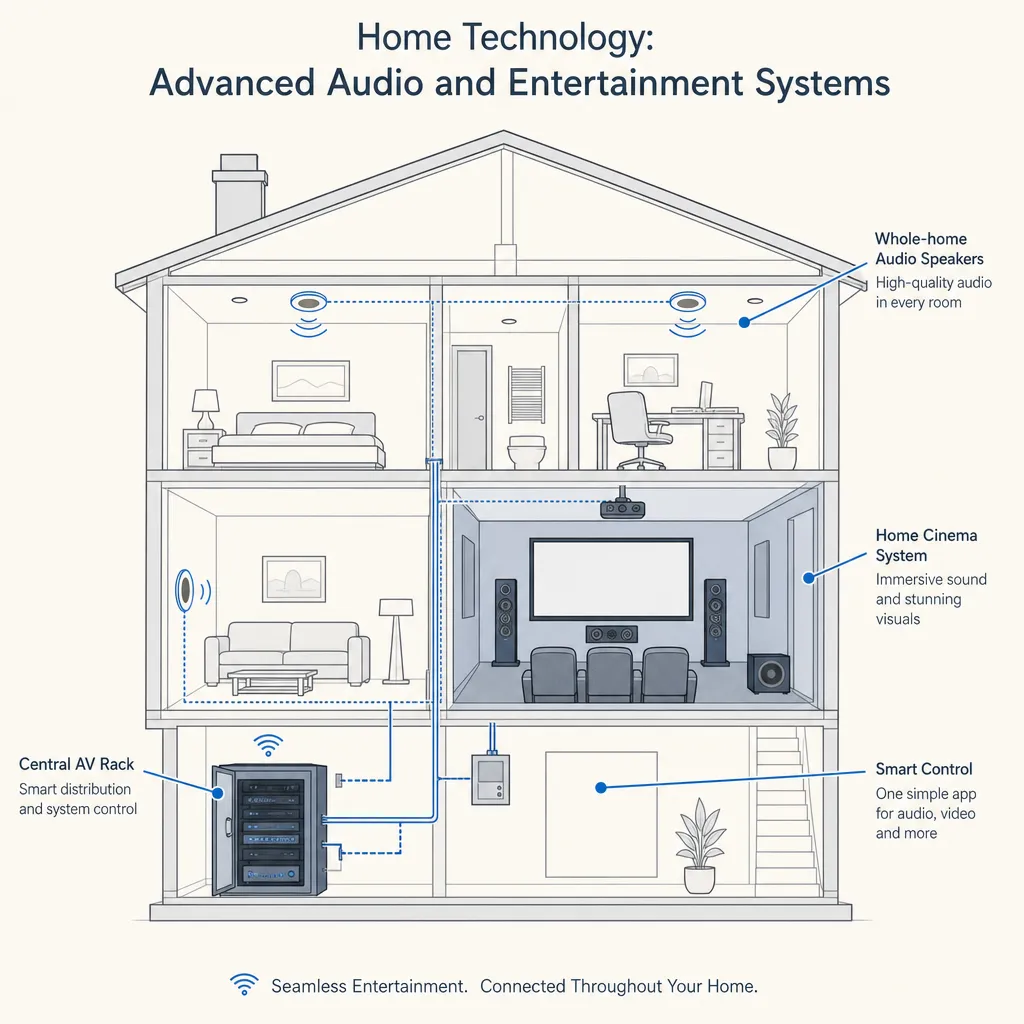
Home Technology: Advanced Audio and Entertainment Systems
The decision to invest in home audio and entertainment technology often arises during a renovation or new build, when walls are open and cable runs are straightforward to plan. Whether you are considering a distributed speaker system across several rooms, a dedicated cinema room, or an audio-visual setup integrated with smart home controls, the choices made at the design stage shape what is achievable for years to come.
Key points
- CEDIA (Custom Electronic Design and Installation Association) is the principal UK trade body for home technology integrators; membership indicates professional training and adherence to industry standards.
- Multi-room audio systems typically distribute sound to between 2 and 16 independent zones from a central amplifier, with each zone controllable via app, keypad, or voice assistant.
- Home cinema rooms require acoustic treatment, light control, and dedicated ventilation in addition to audio-visual equipment — these elements are separate from the screen, projector, and amplifier themselves.
- Speaker cable, HDMI, and control wiring are most cost-effectively installed before plastering; retrofitting into a finished home involves either surface-run conduit or disruptive redecoration.
- Where an AV installation involves new electrical circuits, Building Regulations Part P applies — the work must be carried out by a Part P-registered electrician or notified to your local building control body.
What counts as an advanced audio or entertainment system?
A Bluetooth speaker or a soundbar beneath a television sits outside this category. Advanced audio and entertainment systems for UK homes typically include one or more of the following:
- Multi-room (distributed) audio: a streaming service or audio source played through speakers in multiple rooms, each zone independently controlled.
- Whole-house audio: similar to multi-room, but often referring to a fully integrated system where every zone and source is managed from a single interface.
- Home cinema or dedicated AV room: a room designed specifically for film, gaming, or sports viewing — with acoustic treatment, large-format projection or display, surround-sound calibration, and controlled lighting.
- Outdoor audio: weather-rated speakers installed in gardens, patios, or outbuildings, fed from the same system as interior zones.
- AV integration with home automation: linking audio and video playback to lighting scenes, motorised blinds, and climate control through a central controller.
Multi-room audio: wired versus wireless
Multi-room systems distribute audio from a central amplifier or streaming appliance to passive or active speakers in each room. The principal architectural choice is between wired and wireless distribution.
Wired systems — such as those using Sonance, Bowers & Wilkins in-ceiling speakers, or Russound amplifiers — offer the most stable, highest-quality audio. They require speaker cable runs back to a central equipment location, ideally planned before first-fix during a renovation. In existing homes, cables can often be threaded through roof voids, floor joists, or existing conduit, though some redecoration is usually involved.
Wireless systems — such as Sonos, Denon HEOS, and Bluesound — distribute audio over your home Wi-Fi network and are significantly easier to retrofit. Audio quality has improved substantially in recent years, though wireless systems remain slightly below the ceiling of wired systems at equivalent price points and depend on network stability.
For a new build or major renovation, running a wired backbone for audio — even if wireless streaming appliances are ultimately used — provides considerably more flexibility long term.
Home cinema: planning the room
A dedicated home cinema room is more than a large screen and a powerful amplifier. The acoustic behaviour of the room matters as much as the equipment inside it.
- Room dimensions: avoid cuboid rooms, which cause standing waves and bass resonance problems. A ratio of roughly 1:1.6:2.5 (height:width:length) is a commonly cited starting point.
- Acoustic treatment: bass traps in corners, absorption panels at first reflection points, and diffusers at the rear of the room reduce unwanted reverb without deadening the sound character.
- Light control: projection systems require near-total blackout. Motorised blackout blinds or shutters are typically specified alongside the screen.
- Ventilation: AV equipment generates significant heat; a cinema room needs quiet, dedicated ventilation — standard domestic extract fans can introduce noise that undermines the listening experience.
- Structural considerations: raised or tiered seating may require building regulations review depending on the platform height and construction method.
Which system should you choose?
System type | Best for | Not ideal for | Indicative UK cost — equipment and installation (2026) |
|---|---|---|---|
Wireless multi-room (e.g., Sonos) | Retrofit, renters, casual listening, phased upgrades | Audiophiles, large properties with weak Wi-Fi coverage | £500–£3,000+ depending on zones |
Wired in-ceiling multi-room | New builds, major renovations, high-quality whole-house audio | Properties where cable runs are not feasible | £2,000–£10,000+ for a typical house |
Dedicated home cinema room | Film enthusiasts, gaming, large-format sports viewing | Small rooms, rented properties, modest budgets | £5,000–£50,000+ depending on specification |
Outdoor audio | Gardens, entertaining spaces, poolside | Listed buildings or conservation areas (may need consent) | £800–£4,000+ per zone |
Indicative UK costs, last reviewed 2026-05-30. Quotes vary significantly by specification, property type, and installer. Always obtain at least three quotes.
What to ask before hiring an AV installer
Before accepting any quote, ask:
- Are you a CEDIA-trained or CEDIA-member installer?
- Which brands and systems do you specify, and why — are you tied to particular manufacturers?
- What cable types and routes will you use, and will the installation be fully documented for future owners or trades?
- What does commissioning and calibration involve, and is it included in the quoted price?
- Will the system integrate with my existing or planned smart home, lighting, or window-covering controls?
- What training or handover will you provide after installation?
- How is the system supported if components fail — do you offer a service and maintenance contract?
- Is VAT included in the quote?
- What happens if access issues or concealed obstacles change the scope of the work?
Homeowner checklist: preparing for an AV installation
When to get professional help
For simple wireless speaker additions, a competent DIY approach is reasonable. Professional help is strongly advisable when:
- You are installing in-ceiling or in-wall speakers requiring cutting into the building fabric.
- The project involves a dedicated cinema room requiring acoustic design and equipment calibration.
- You want the system integrated with lighting, heating, or security controls.
- The installation requires routing new cable through existing walls or ceilings — poorly planned cable runs can damage insulation, fire stops, or structural elements.
- The property is listed or in a conservation area, where even internal alterations may require consent from your local planning authority or Historic England.
How Housey can help
Housey connects UK homeowners with experienced local installation professionals for audio, entertainment, and home technology projects. Whether you are planning a wired multi-room system during a renovation or adding a dedicated cinema room to an existing property, you can use Housey to request quotes from vetted specialists in your area and compare proposals before committing.
Frequently asked questions
Do I need planning permission to install a home cinema room in the UK?
In most cases, converting an existing room to a cinema room is an internal alteration and does not require planning permission. However, if the works involve an extension, external changes, or the property is listed, planning consent or listed building consent may be required. Check with your local planning authority before starting any work.
What qualifications should a UK AV installer have?
There is no single statutory qualification for home AV installation. CEDIA membership or certification is the main industry benchmark. Where the installation involves new electrical circuits or consumer unit connections, a Part P-registered electrician must carry out that work, or it must be notified to your local building control body.
Can I retrofit a wired multi-room audio system in an existing home?
Yes, though it is more disruptive and costly than installing during a renovation. Cables can often be routed through roof voids, under floors, and through walls using conduit, but some redecoration is usually needed. For most occupied homes, a wireless system such as Sonos is a more practical, lower-disruption alternative.
How long does a multi-room audio installation take?
A straightforward two- to four-zone wired system typically takes two to four days for a professional installer, excluding any first-fix cable work completed during a renovation. A dedicated home cinema room with acoustic build-out and full equipment commissioning may take one to three weeks depending on specification and complexity.
Will my home audio system work with voice assistants?
Most major multi-room audio systems — including Sonos, Denon HEOS, and Bluesound — support Amazon Alexa and Google Assistant. Apple AirPlay 2 compatibility is also common. Confirm compatibility with your preferred voice assistant at the specification stage, before the installer finalises the system design.
Sources and further reading
- CEDIA UK — principal UK trade body for home technology professionals, training and certification standards
- GOV.UK: Planning permission — when you need it — guidance on when internal and external works require planning consent
- GOV.UK: Building regulations and approved documents — Part P requirements for notifiable electrical work in dwellings
- Historic England: home improvement guidance — consent requirements for works to listed properties
Useful next reads
 Improvement & Build
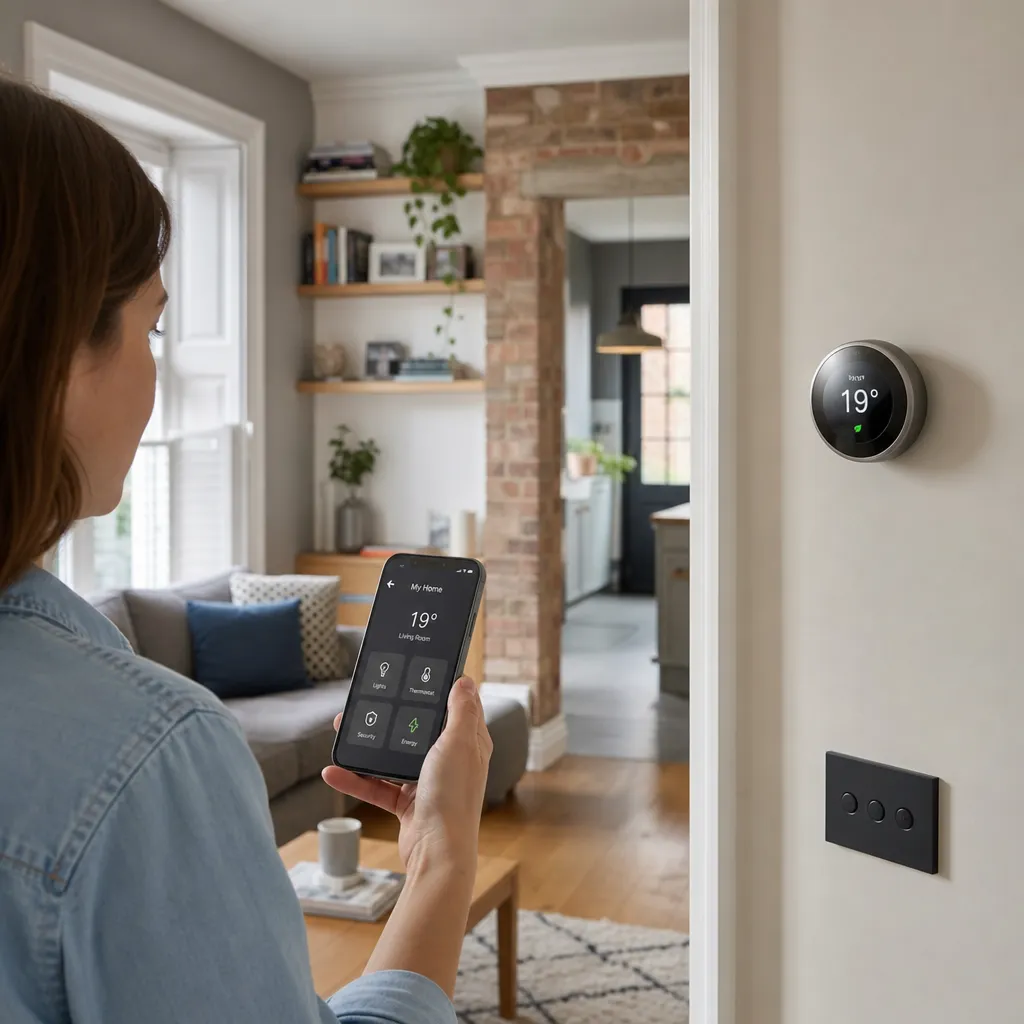
Smart Home Technology and Mobile Device Integration
Most smart home devices in the UK are controlled via dedicated smartphone apps or platforms such as Amazon Alexa, Google Home, or Apple Home.
 Improvement & Build
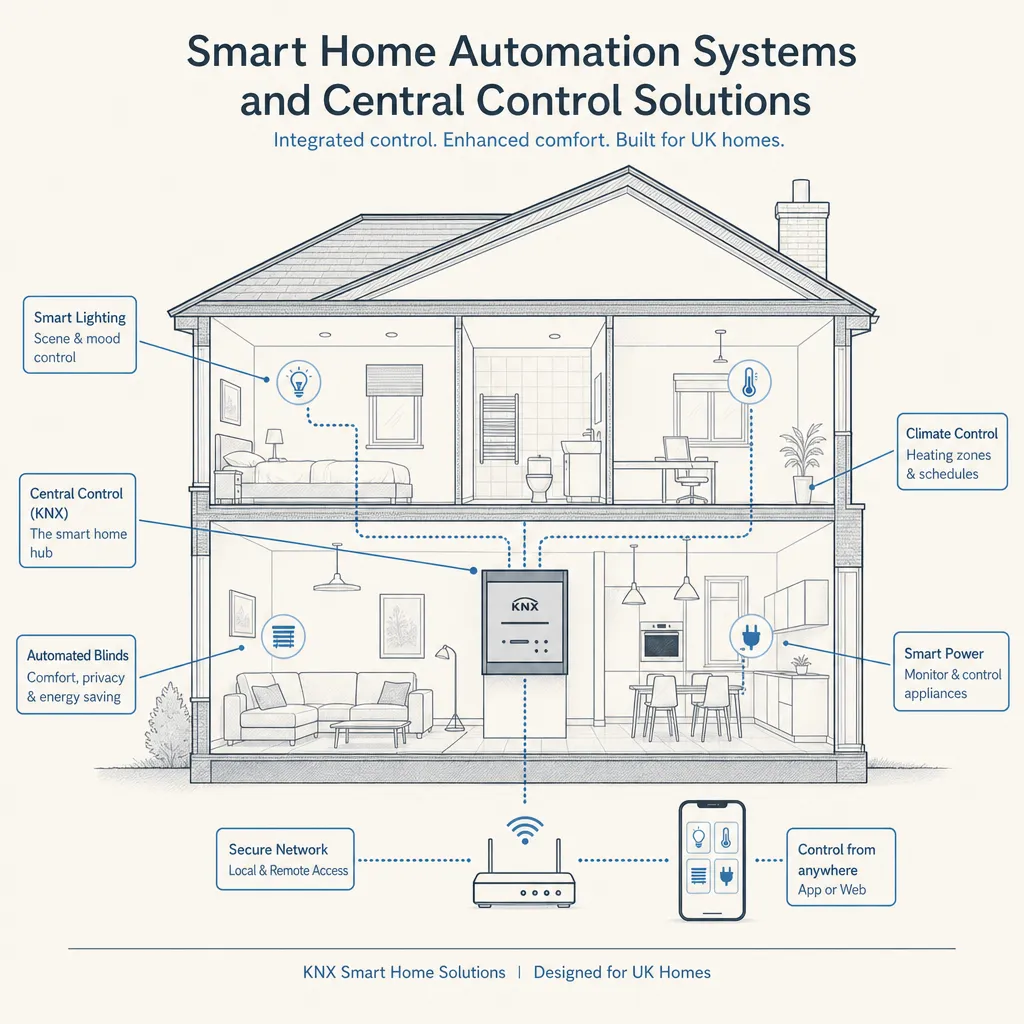
Smart Home Automation Systems and Central Control Solutions
Smart home automation connects lighting, heating, security, audio, and window coverings through a single controller.
 Improvement & Build
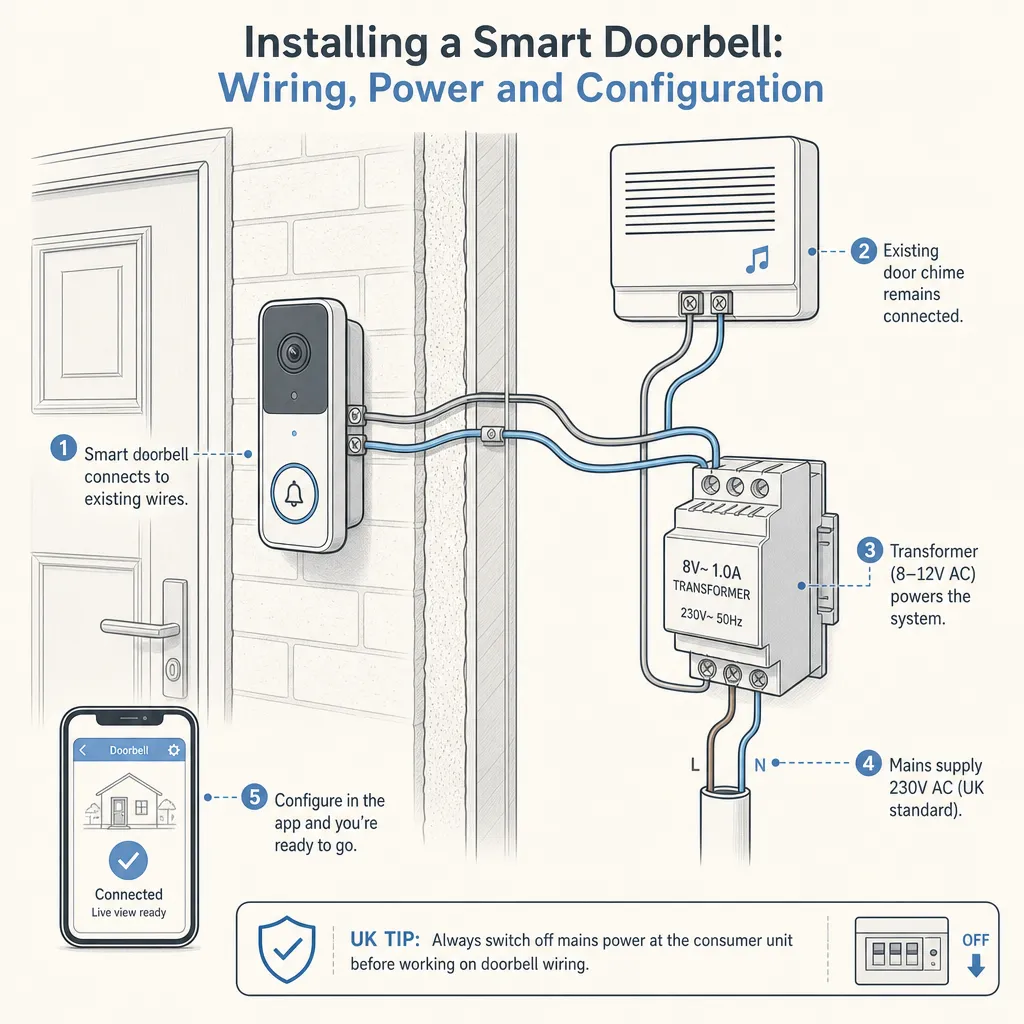
Installing a Smart Doorbell: Wiring, Power and Configuration
Most smart doorbells can be installed without an electrician, using either built-in rechargeable batteries or an existing 8–24V AC doorbell transformer.
 Improvement & Build
Installing a Fire Pit: Garden Features and Outdoor Space Design
Installing a garden fire pit in the UK is generally permitted, but Smoke Control Area rules prohibit open wood-burning in most towns and cities.
 Improvement & Build
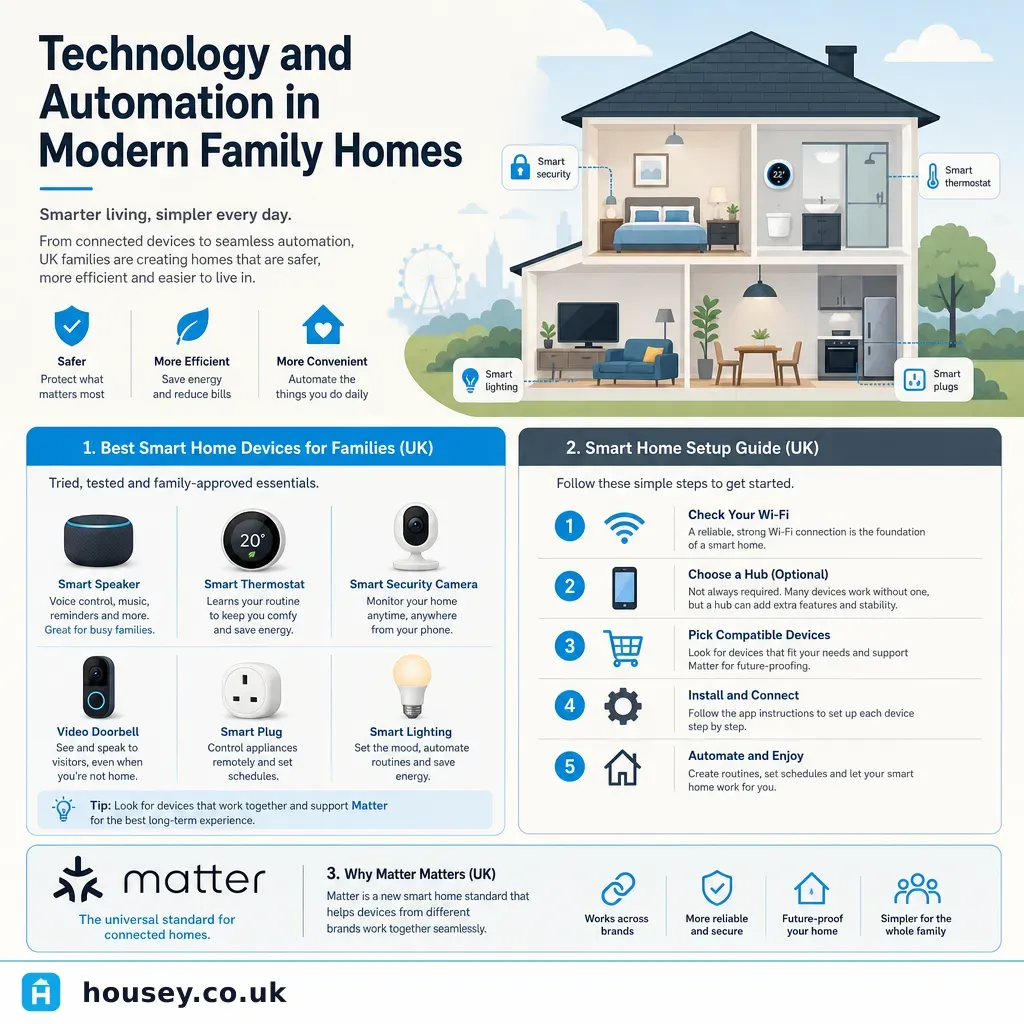
Technology and Automation in Modern Family Homes
Smart home technology lets UK families automate lighting, heating, security, and entertainment from a single app or voice command.