Technology and Automation in Modern Family Homes
By Housey · Last reviewed 30th of May 2026
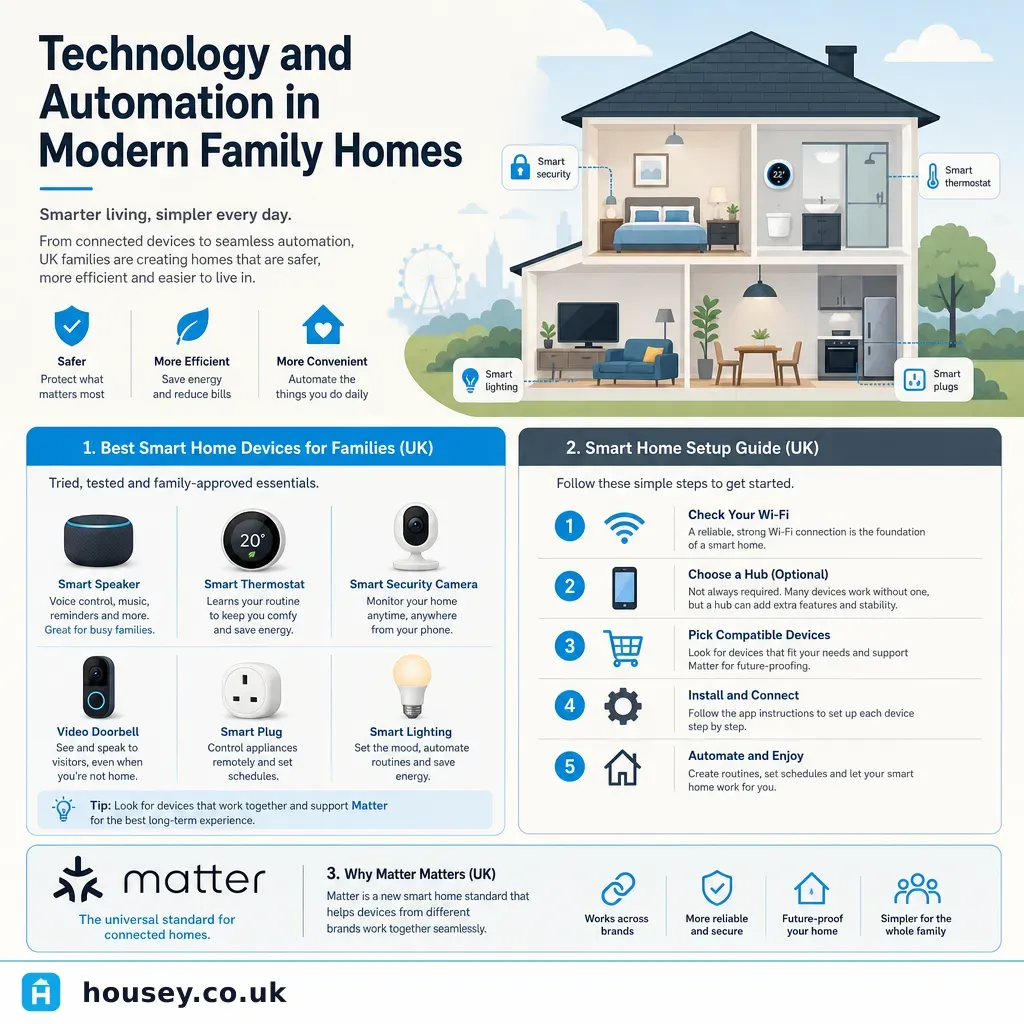
Technology and Automation in Modern Family Homes
Smart home technology has moved well beyond novelty gadgets in UK households — it now provides a practical layer that can tie together heating, security, lighting, and entertainment in homes of almost any age or construction type. For families in particular, getting the setup right from the start avoids the frustration of devices that refuse to communicate, apps that multiply uncontrollably, and expensive retrofits later. The decisions made early — especially about protocols and platforms — determine how well the system holds together as it grows.
Key points
- The Matter standard (launched October 2022, v1.3 as of 2024), backed by Apple, Google, Amazon, and Samsung, allows devices from different brands to work within a single app or platform, significantly reducing the risk of brand lock-in.
- Smart thermostats and heating controls can reduce domestic heating energy use by up to 30%, according to the Energy Saving Trust, depending on existing controls and household behaviour.
- Any new fixed electrical installation — including smart lighting circuits and consumer-unit modifications — must comply with BS 7671 (18th Edition Wiring Regulations) and is notifiable under Building Regulations Part P in England and Wales.
- Zigbee and Z-Wave operate on different radio frequencies from Wi-Fi, reducing network congestion in homes with many simultaneously connected devices.
- Ofcom's 2024 Connected Nations report found approximately 23% of UK adults regularly use a smart speaker, with households including children showing higher adoption rates.
What smart home technology can realistically do for a family
Smart home technology works best when it reduces everyday friction: adjusting heating without touching a thermostat, checking who is at the door from upstairs, or dimming living room lights at a set time without anyone having to get up. For families, the highest-value categories tend to be:
Category | What it does | Common UK platforms and products |
|---|---|---|
Smart heating | Schedule and remotely control heating per zone | Tado, Hive, Nest, Drayton Wiser |
Smart security | Video doorbells, motion cameras, smart locks | Ring, Arlo, Yale, Nuki |
Smart lighting | Automated scenes, schedules, voice and app control | Philips Hue, LIFX, Ikea TRÅDFRI |
Smart entertainment | Multi-room audio, TV control, streaming integration | Sonos, Amazon Echo, Google Nest Audio |
Smart appliances | Remote monitoring of washing machines, ovens, dishwashers | Samsung SmartThings ecosystem |
The most reliable family setups tend to start small — a smart thermostat or video doorbell — and expand once the household is comfortable with the platform and its quirks.
Choosing a smart home ecosystem or protocol
The biggest practical decision for UK families is which platform or protocol ties everything together. Each major ecosystem has different strengths:
- Choose Amazon Alexa if you want the widest hardware compatibility and the broadest range of UK-available integrations at different price points.
- Choose Google Home if your household primarily uses Android phones and Google services.
- Choose Apple Home (HomeKit) if the family is on iPhones and iPads and you value tighter privacy controls.
- Choose a hub-based system such as Samsung SmartThings or Home Assistant if you want to mix brands freely, automate complex routines, and are comfortable with some technical setup.
- Prioritise Matter-certified devices wherever possible — these work across all four ecosystems and give you the flexibility to change platform later without replacing hardware.
Many UK families end up with a mixed setup. The Matter standard increasingly bridges the gaps between platforms; check product packaging for the Matter logo before purchasing.
Electrical and installation rules for UK homes
Fixed smart home installations are subject to UK building regulations. Fitting new lighting circuits, modifying consumer units, or adding dedicated smart-home cabling are notifiable works under Part P of the Building Regulations in England and Wales. Equivalent rules apply in Scotland under the Technical Handbooks and in Northern Ireland under the Building Regulations (Northern Ireland). Always use a registered electrician: NICEIC or NAPIT membership indicates they can self-certify notifiable electrical work without you needing to separately notify your local building control body.
Plug-in smart devices — smart plugs, smart speakers, portable cameras — do not require an electrician and can be set up by the homeowner.
Checklist: before you buy smart home devices
Common pitfalls in family smart home setups
Wi-Fi coverage gaps: Smart devices at the edges of large UK homes — garages, lofts, garden offices — often drop connection. A Wi-Fi mesh system such as Eero or TP-Link Deco typically resolves this more reliably than a basic signal booster.
App overload: Every manufacturer has its own app. Aim to consolidate control into a single platform layer — Amazon Alexa, Google Home, or Apple Home — and confirm compatibility before purchasing any new device.
Over-complicated automations: Routines that seemed clever at setup become frustrating when they trigger at the wrong moment. Start with simple time-based schedules and layer in conditions gradually as the household adjusts.
Power outage behaviour: Many smart devices lose settings or routines after a power cut. Check manufacturer guidance and consider a small uninterruptible power supply (UPS) for your hub and router if reliability is important to you.
When to get professional help
For most plug-in smart home devices, professional help is not necessary. Consult a qualified professional when:
- You want new wiring for in-wall smart switches or additional circuits — Part P notifiable work applies in England and Wales.
- You are installing a whole-home audio system that requires cable runs through walls and ceilings.
- You want a whole-home smart system designed from scratch — CEDIA-registered installers in the UK specialise in residential integration.
- You have a listed building or a property in a conservation area — some external device installations (cameras, aerials, dishes) may require planning consent from your local planning authority.
Red flag: any installer quoting for smart home electrical work who cannot demonstrate Part P registration or NICEIC/NAPIT membership should be treated with caution.
How Housey can help
Housey connects UK homeowners with vetted local professionals for home improvement and technology projects. Whether you need a Part P-registered electrician for smart lighting circuits or a specialist for a larger home automation build, Housey's comparison tools make it straightforward to get and compare quotes in one place.
Frequently asked questions
Do smart home devices work in older UK homes?
Yes, in most cases. Plug-in smart devices work in any home with a working Wi-Fi router, regardless of the property's age. Fixed installations — such as smart switches or in-wall wiring — are more complex in older properties with thick walls or non-standard wiring, but a qualified Part P-registered electrician can usually find a workable solution.
Will smart home technology increase my home's value?
Evidence in the UK is limited. Smart heating controls and video doorbells are increasingly expected by buyers and may support a faster sale, but they are unlikely to add a measurable premium above a RICS valuation. A professionally integrated system is more likely to add perceived value than a patchwork of mismatched devices from different apps.
Can I take smart home devices with me when I move house?
Plug-in devices — smart speakers, smart plugs, portable cameras — are personal property and can be taken. Hardwired or fixed devices, such as in-wall smart switches or integrated security panels, are usually considered fixtures. Declare these in the Property Information Form (TA6) during a sale and check with your conveyancer if you are unsure.
What happens to my smart home if the internet goes down?
It depends on the device and platform. Many smart devices lose remote-control capability without internet but retain local control — for example, smart bulbs may still respond to a physical switch. Hub-based systems running locally, such as Home Assistant on a local server, can continue automations without an internet connection.
Sources and further reading
- Connected Nations Report 2024 — Ofcom
- Smart heating controls — Energy Saving Trust
- Approved Document P: Electrical Safety — GOV.UK
- Matter smart home standard — Connectivity Standards Alliance
- Find a registered electrician — NICEIC
Useful next reads
 Improvement & Build
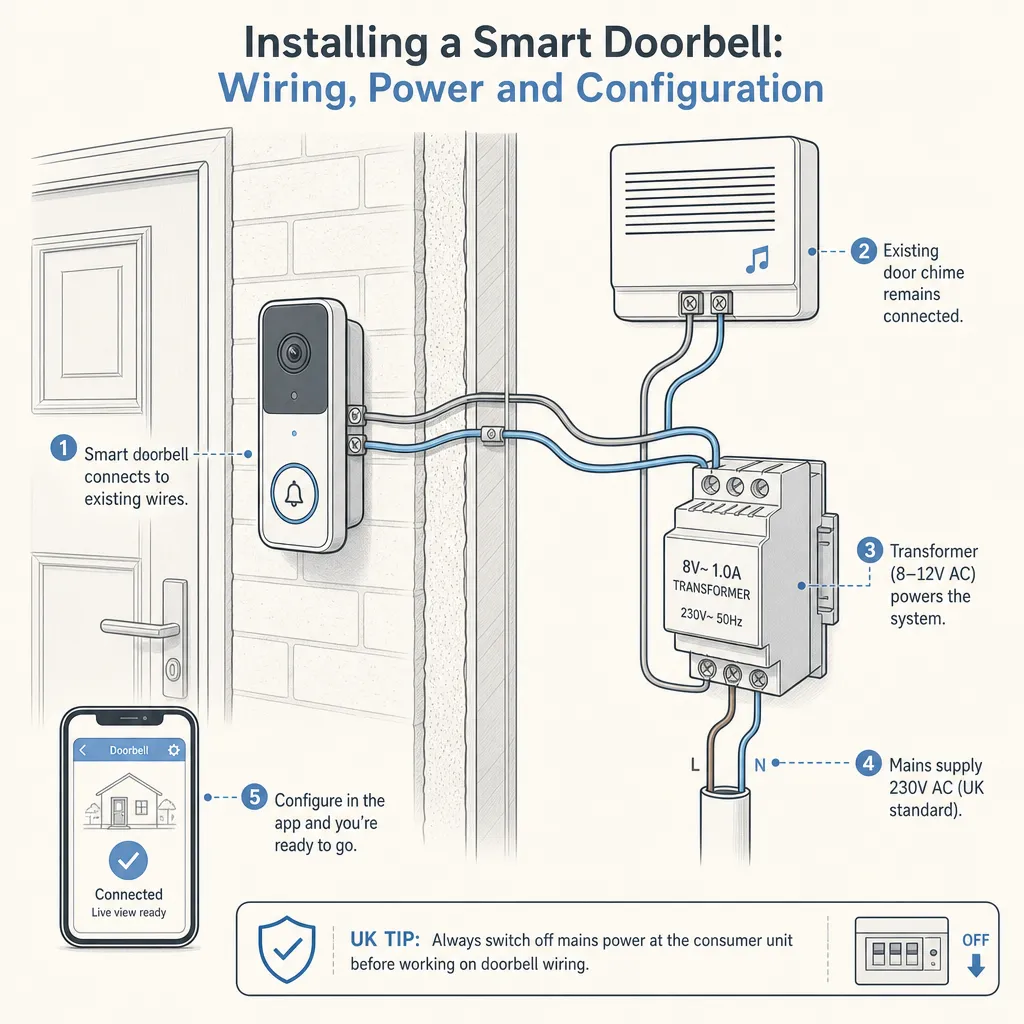
Installing a Smart Doorbell: Wiring, Power and Configuration
Most smart doorbells can be installed without an electrician, using either built-in rechargeable batteries or an existing 8–24V AC doorbell transformer.
 Improvement & Build
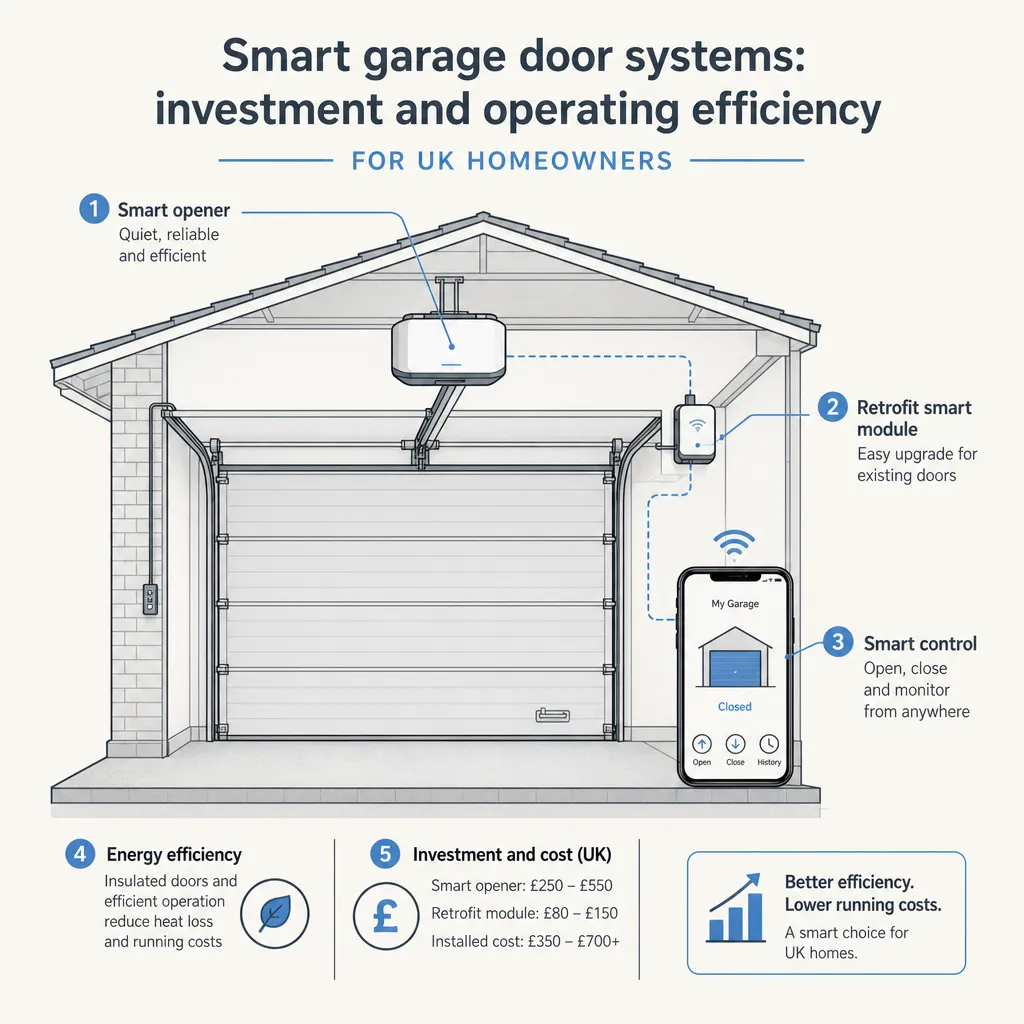
Smart garage door systems: investment and operating efficiency
A smart garage door system adds app control, automation, access logs, and smart home integration to a motorised garage door.
 Improvement & Build
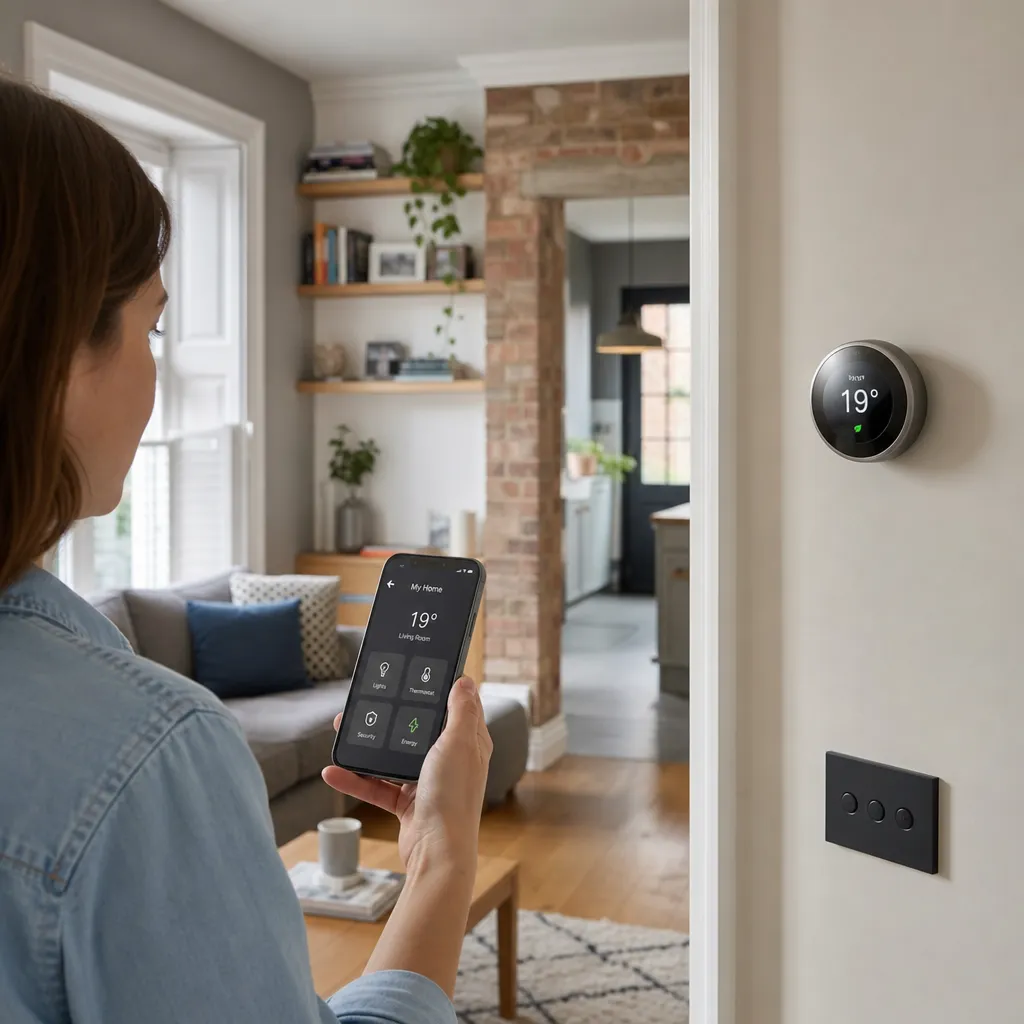
Smart Home Technology and Mobile Device Integration
Most smart home devices in the UK are controlled via dedicated smartphone apps or platforms such as Amazon Alexa, Google Home, or Apple Home.
 Improvement & Build
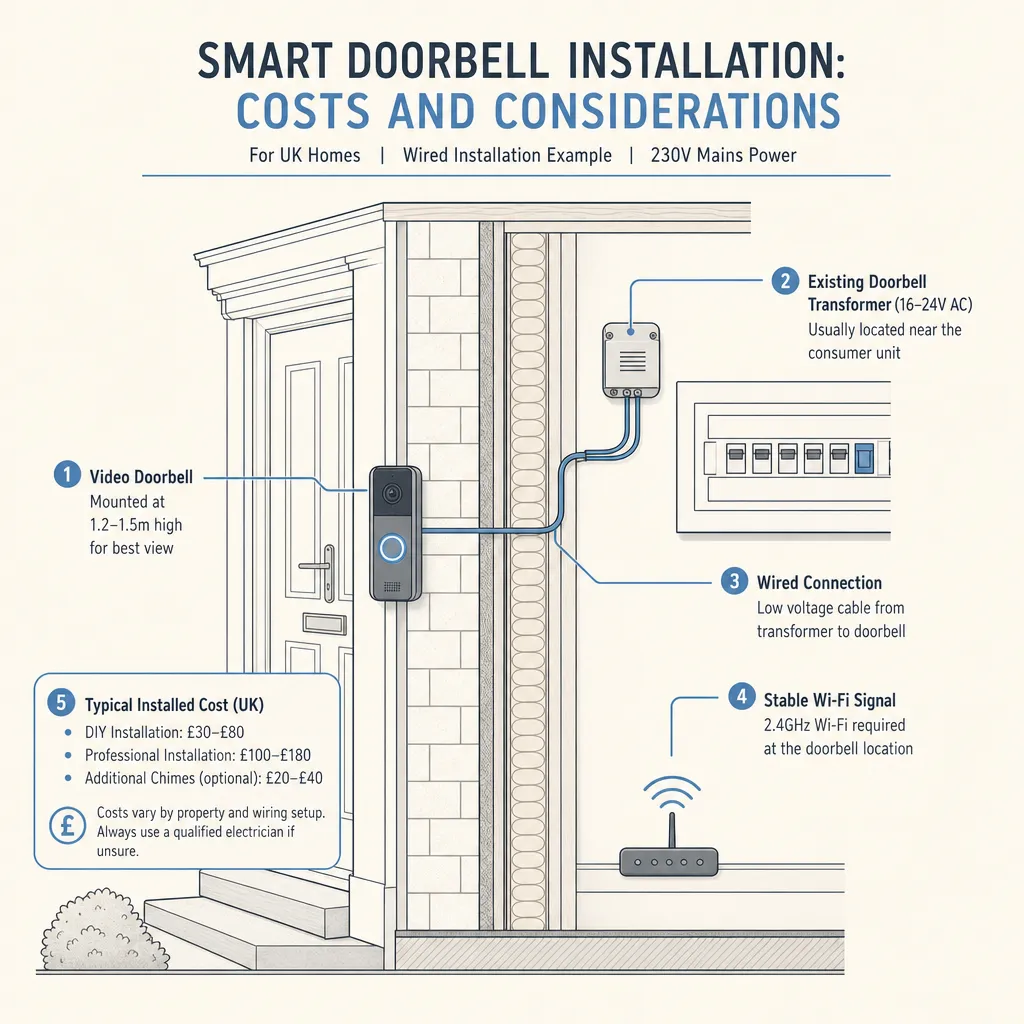
Smart Doorbell Installation: Costs and Considerations
A battery-powered smart doorbell can usually be self-installed without any electrical qualification.
 Improvement & Build
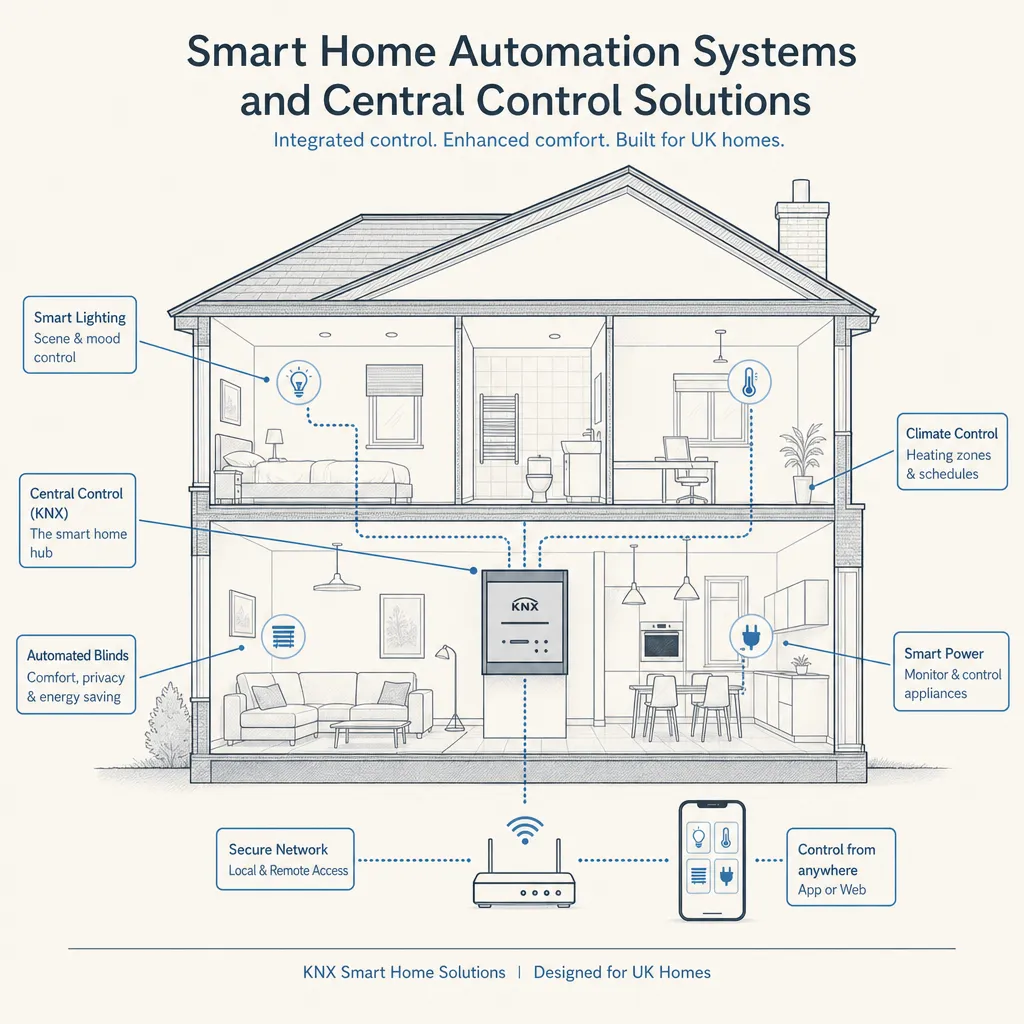
Smart Home Automation Systems and Central Control Solutions
Smart home automation connects lighting, heating, security, audio, and window coverings through a single controller.