Smart Home Technology and Mobile Device Integration
By Housey · Last reviewed 30th of May 2026
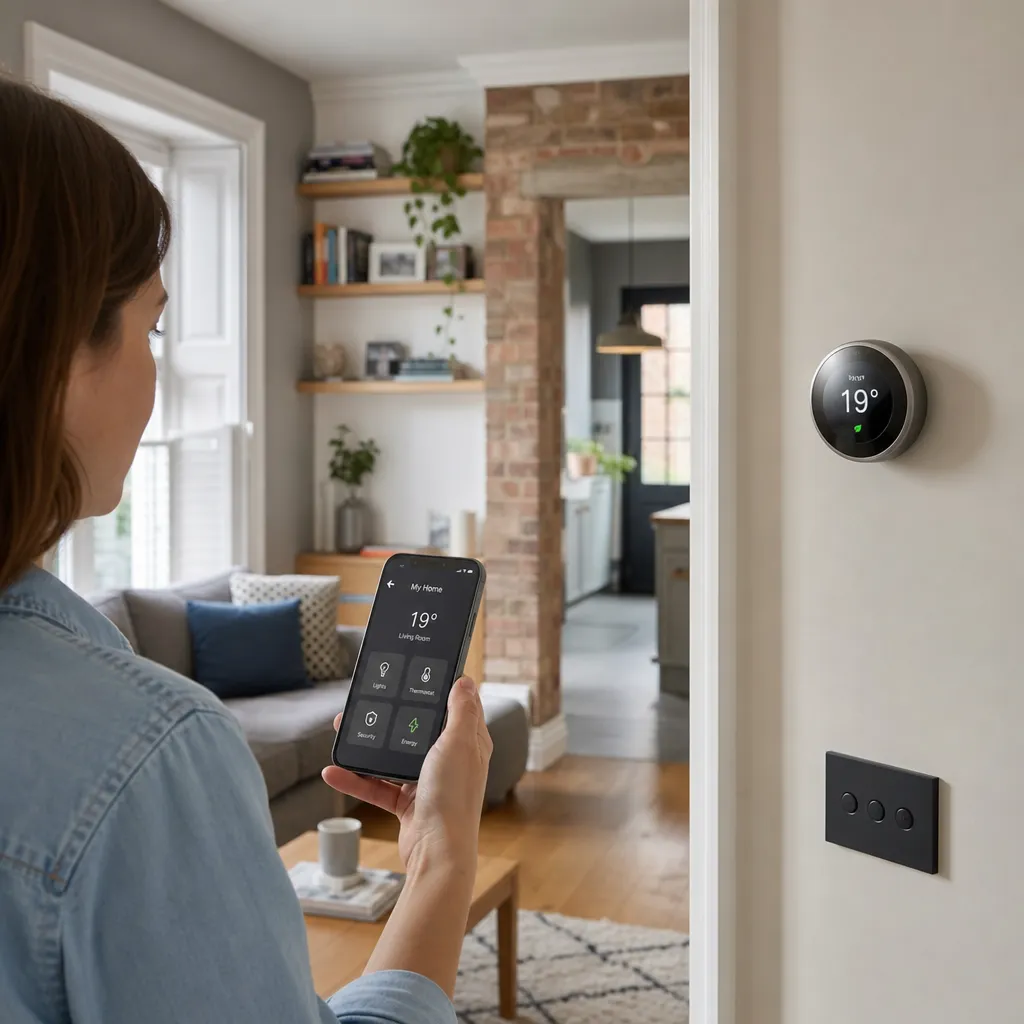
Smart Home Technology and Mobile Device Integration
Controlling a home from a smartphone sounds straightforward — until you discover that your heating app, security camera app, and lighting app all refuse to work together. As UK homeowners add more connected devices, the question of how to consolidate control into a coherent, reliable mobile experience becomes increasingly important. The platform you choose, and the protocols your devices support, will determine how well that experience holds together as the system grows and as technology continues to change.
Key points
- The Matter protocol (version 1.0 released October 2022; v1.3 as of 2024) is the industry-standard unifying layer, supported by Apple, Google, Amazon, and Samsung, enabling a single app to control devices from different manufacturers.
- Apple Home requires a Home Hub (HomePod mini or Apple TV 4K) for remote access and automation; without one, HomeKit devices can only be controlled locally on the same Wi-Fi network.
- Google Home and Amazon Alexa both support Android and iOS; Apple Home is restricted to Apple devices running iOS, iPadOS, or macOS Monterey or later.
- UK GDPR applies to smart home device data collected in UK households — manufacturers must clearly state how they collect, store, and process data from UK users.
- Most smart home hubs and gateways require a minimum home broadband speed of around 10 Mbps; Ofcom's 2024 Connected Nations data shows the UK average fixed broadband download speed is approximately 165 Mbps, well above this threshold for most households.
Which platform should you use to control your smart home?
The platform decision is the most consequential choice in smart home mobile integration. Each major ecosystem has a different relationship with device brands, voice assistants, operating systems, and privacy practices.
Platform | Best for | Not ideal for | Voice assistant | Android | iOS |
|---|---|---|---|---|---|
Amazon Alexa | Widest hardware compatibility, budget-friendly devices | Deep privacy control, complex local automations | Alexa | Yes | Yes |
Google Home | Android households, Google service integration | Apple device users | Google Assistant | Yes | Yes |
Apple Home (HomeKit) | Privacy-conscious users, all-Apple households | Android users, budget device ranges | Siri | No | Yes |
Samsung SmartThings | Samsung appliance owners, advanced routines | Non-technical users wanting simplicity | Bixby / Alexa / Google | Yes | Yes |
Home Assistant | Maximum local control, no cloud dependency | Users wanting an out-of-the-box experience | Many via integrations | Yes | Yes |
Which platform should you choose?
- Choose Amazon Alexa if you want the broadest range of compatible UK-available devices across different price points.
- Choose Google Home if your household primarily uses Android phones and Google Workspace.
- Choose Apple Home if everyone in the household uses iPhones and you want the tightest data-privacy controls.
- Choose Home Assistant if you want local processing with no cloud dependency, advanced automations, and are comfortable with some technical configuration.
- Prioritise Matter-certified devices regardless of platform — they give you the flexibility to switch platforms later without replacing existing hardware.
How mobile apps communicate with smart home devices
Understanding the communication layer helps homeowners troubleshoot problems and make better purchasing decisions before committing to a system.
Wi-Fi connects devices directly to your home router. Convenient for setup, but adds congestion on networks already carrying many devices. Best suited to smart speakers, cameras, and gateway hubs.
Zigbee is a low-power mesh protocol operating at 2.4 GHz (on a separate channel from Wi-Fi). Devices relay signals to each other, extending coverage without adding Wi-Fi load. Requires a compatible hub such as the Philips Hue Bridge or an Amazon Echo 4th generation. Well suited to smart lighting and sensors.
Z-Wave operates at 868 MHz in the UK — a frequency reserved specifically for Z-Wave devices, meaning less radio interference. Offers longer range than Zigbee in the thick-walled construction common in older UK homes. Requires a Z-Wave hub. Well suited to smart locks and security sensors.
Thread is the low-power network layer underpinning Matter for battery-operated devices. Requires a Thread border router, which is built into the Apple TV 4K, HomePod mini, Google Nest Hub 2nd generation, and Amazon Echo 4th generation.
Bluetooth (BLE) is short-range (typically around 10 m) and used mainly for initial device pairing and local control, not for whole-home automation at scale.
Remote access, reliability, and UK data privacy
Controlling your home remotely — adjusting heating from a train, checking a camera feed from work — depends entirely on cloud infrastructure. This has two practical implications for UK homeowners.
Reliability: If a manufacturer's cloud servers go offline, remote access fails. This has happened to major consumer brands. Consider whether local-only fallback — such as Home Assistant running on a local server — matters to you for critical functions like heating or security locking.
UK GDPR and data privacy: Under UK GDPR, you have the right to know what personal data smart home devices collect, to request deletion, and to object to certain processing. Before installing any device with a camera or microphone, check:
- Where is data stored? UK or EEA-based servers are preferable for data-protection purposes.
- Does the device process data locally on-device, or does it upload everything to the manufacturer's cloud?
- Can you disable cloud connectivity entirely and still operate the device locally if you prefer?
The Information Commissioner's Office (ICO) is the UK's data-protection regulator and publishes accessible guidance on smart home privacy rights for consumers.
What to ask before choosing a smart home platform
- Does this platform support the devices I already own, and the ones I intend to buy?
- Does the platform require an ongoing subscription to unlock core features? (Nest Aware, Ring Protect, and similar plans add monthly or annual costs that should be factored into your total budget.)
- Can I control devices locally if my internet connection goes down?
- Does the platform support Matter-certified devices, giving me flexibility to switch later?
- Is there a family-sharing feature so all household members can control devices from their own phones without sharing a single account?
- What data does this platform collect, and where is it stored?
- Does the manufacturer have a track record of maintaining the platform and issuing security updates reliably?
When to get professional help
Most smartphone app setup is straightforward and does not require a professional. Seek expert help when:
- Wi-Fi coverage is patchy and devices drop connection in parts of your home — a network specialist or CEDIA-registered smart home installer can design a reliable Wi-Fi mesh or wired Ethernet backbone suited to your property's construction.
- You want to integrate smart home mobile control with a home cinema, multi-room audio system, or a professionally monitored security alarm — these often require specialist commissioning.
- You are planning new fixed electrical installations such as in-wall smart switches or dedicated circuits — a Part P-registered electrician is required in England and Wales for notifiable work.
How Housey can help
Housey helps UK homeowners find local, vetted professionals for smart home installation and home improvement projects — from Part P-registered electricians for fixed smart lighting systems to whole-home automation specialists who can design a setup suited to your property type and budget.
Frequently asked questions
Can I mix devices from different brands in one smart home app?
Yes, if you choose a platform such as Amazon Alexa, Google Home, or Apple Home that supports multiple brands — or if your devices carry Matter certification, which enables cross-platform control. Check compatibility before purchasing: some platforms, particularly Apple HomeKit historically, have stricter requirements than others, and not all devices listed as compatible work with every feature.
What internet speed do I need for a smart home?
Most smart home devices use very little bandwidth individually. A fixed broadband connection of around 10 Mbps download is sufficient for most setups, including one or two camera feeds. 4K camera streams or a large number of simultaneous devices may benefit from faster speeds. Ofcom's broadband speed checker can help you verify your current connection quality.
Why has my smart home app stopped working remotely?
Remote access depends on the manufacturer's cloud servers. First check whether they have reported a service outage, then confirm your router and hub are powered and online. Ensure the app is updated to the latest version. If the problem persists, rebooting your router often resolves temporary authentication issues between your home network and the platform's cloud infrastructure.
Are smart home devices secure from hacking?
No connected device is completely immune to security vulnerabilities. Reduce your risk by keeping all firmware updated promptly, using a strong and unique Wi-Fi password, enabling two-factor authentication on your platform account, and placing smart home devices on a separate IoT or guest Wi-Fi network if your router supports it.
Sources and further reading
- Matter smart home standard — Connectivity Standards Alliance
- Connected Nations Report 2024 — Ofcom
- UK GDPR guidance and resources — Information Commissioner's Office
- Approved Document P: Electrical Safety — GOV.UK
- Broadband speed checker — Ofcom
Useful next reads
 Improvement & Build
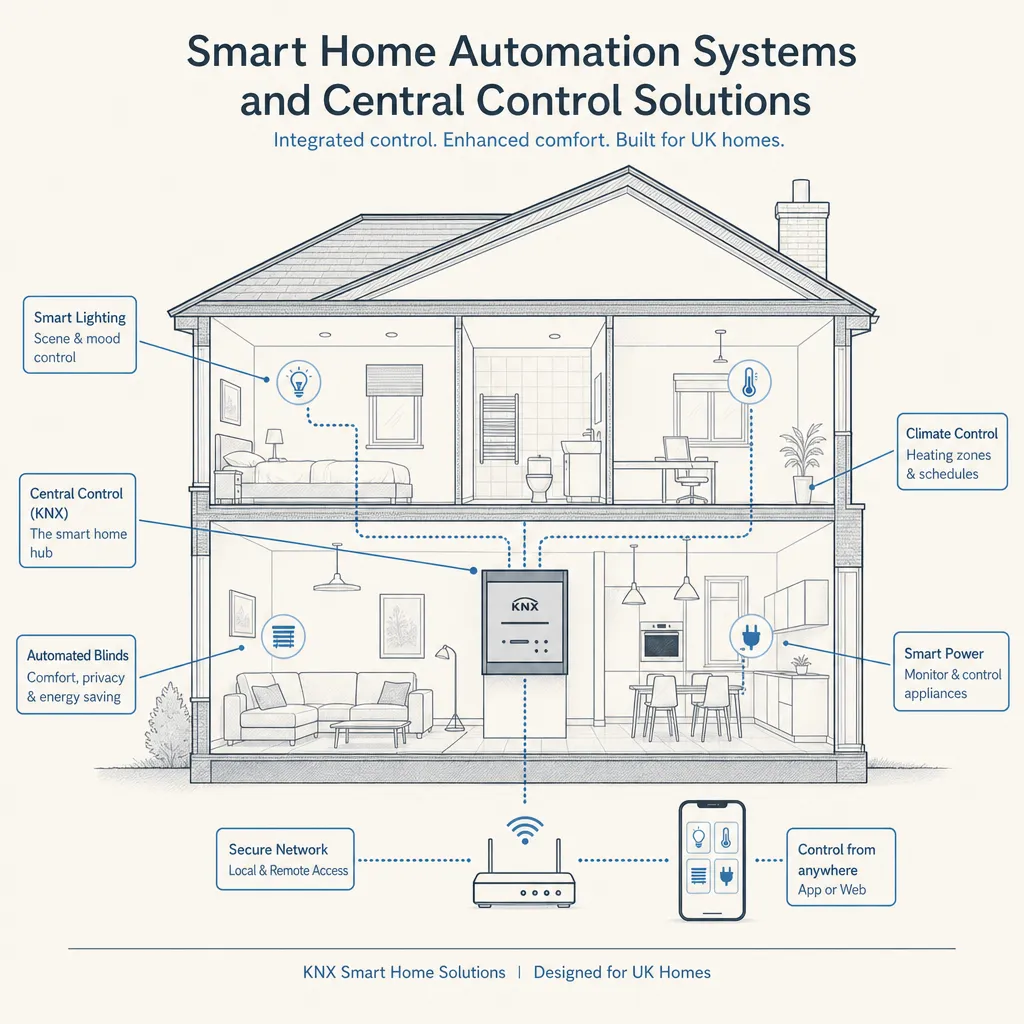
Smart Home Automation Systems and Central Control Solutions
Smart home automation connects lighting, heating, security, audio, and window coverings through a single controller.
 Improvement & Build
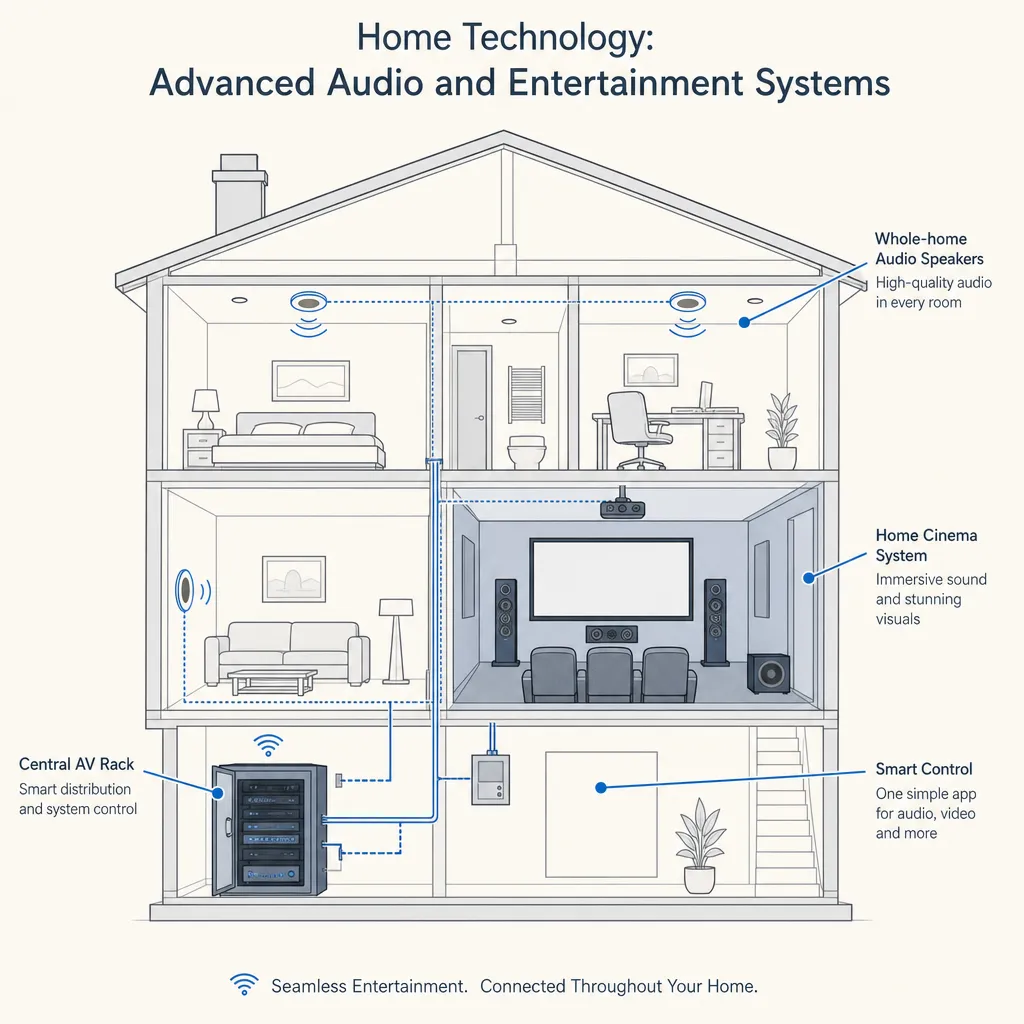
Home Technology: Advanced Audio and Entertainment Systems
Advanced home audio and entertainment systems range from distributed multi-room speakers to dedicated home cinema rooms.
 Improvement & Build
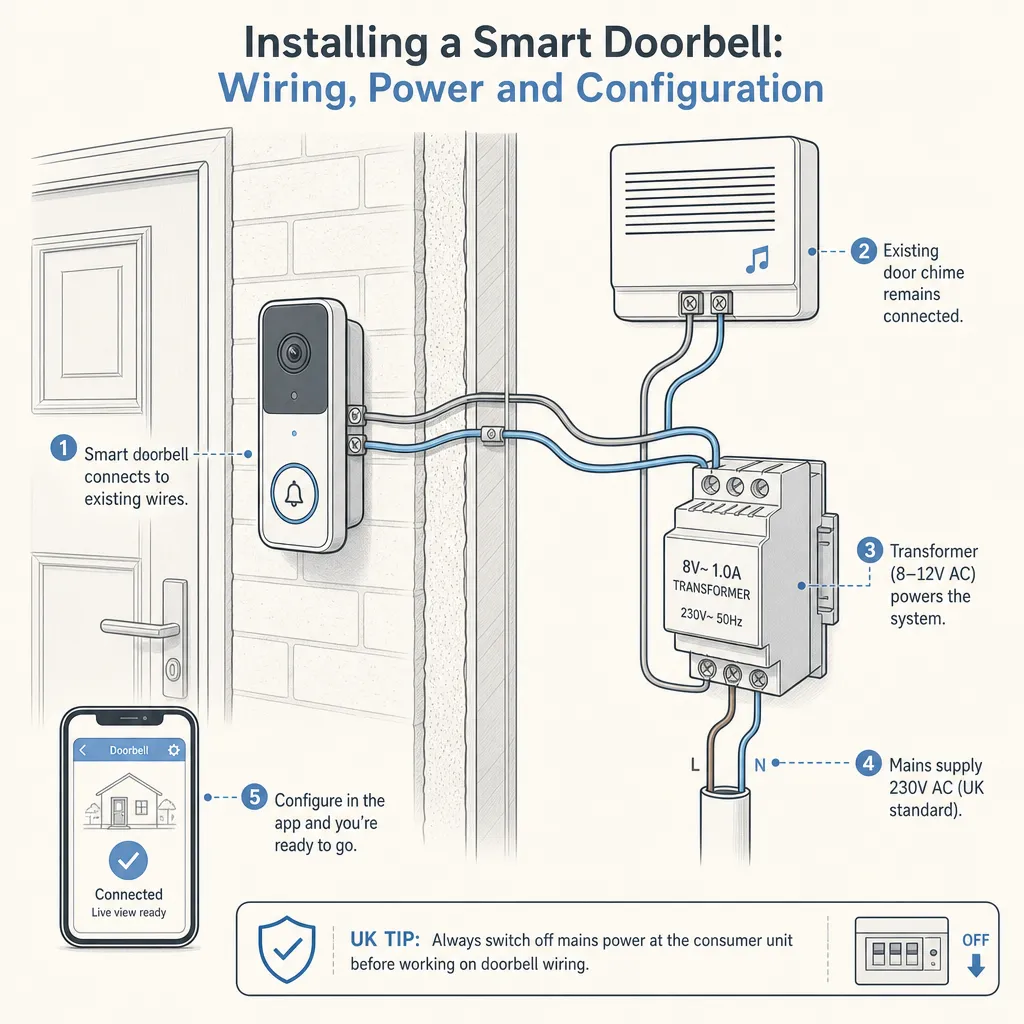
Installing a Smart Doorbell: Wiring, Power and Configuration
Most smart doorbells can be installed without an electrician, using either built-in rechargeable batteries or an existing 8–24V AC doorbell transformer.
 Improvement & Build
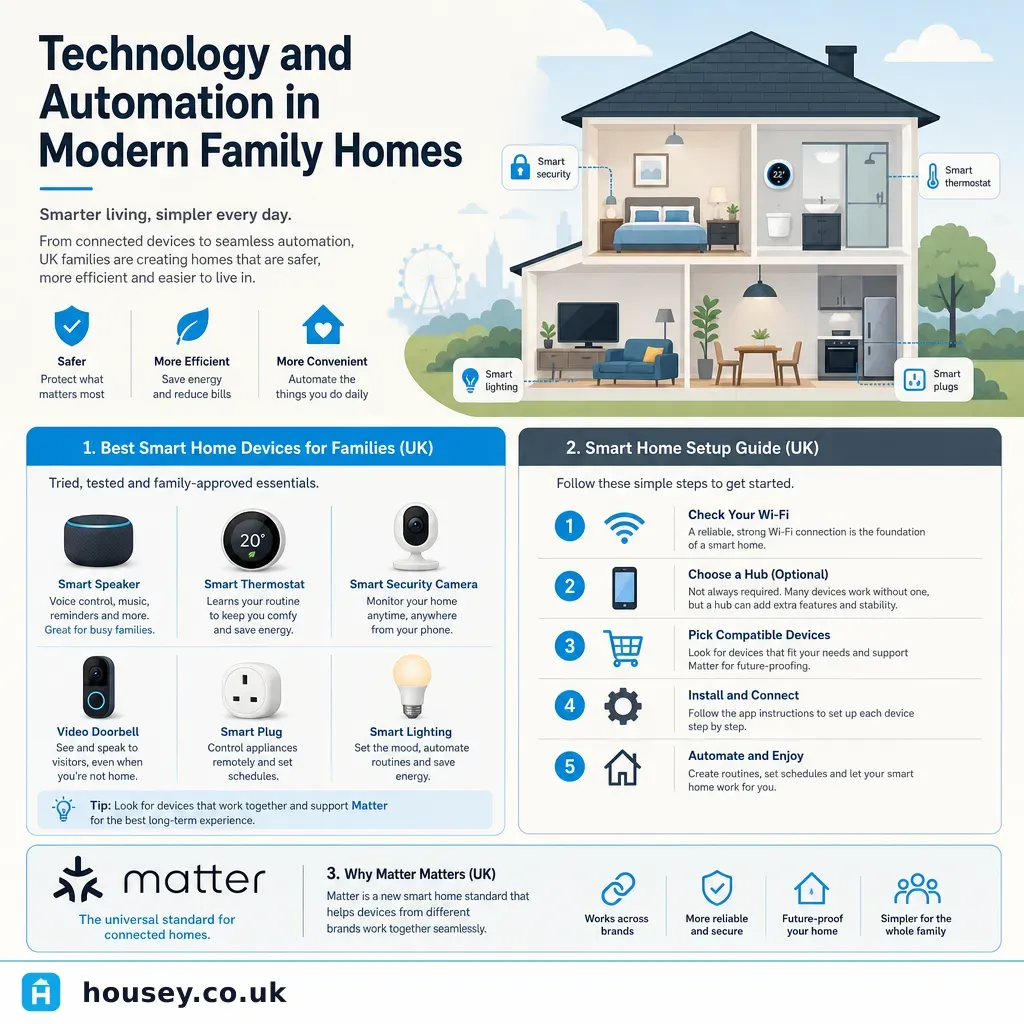
Technology and Automation in Modern Family Homes
Smart home technology lets UK families automate lighting, heating, security, and entertainment from a single app or voice command.
 Improvement & Build
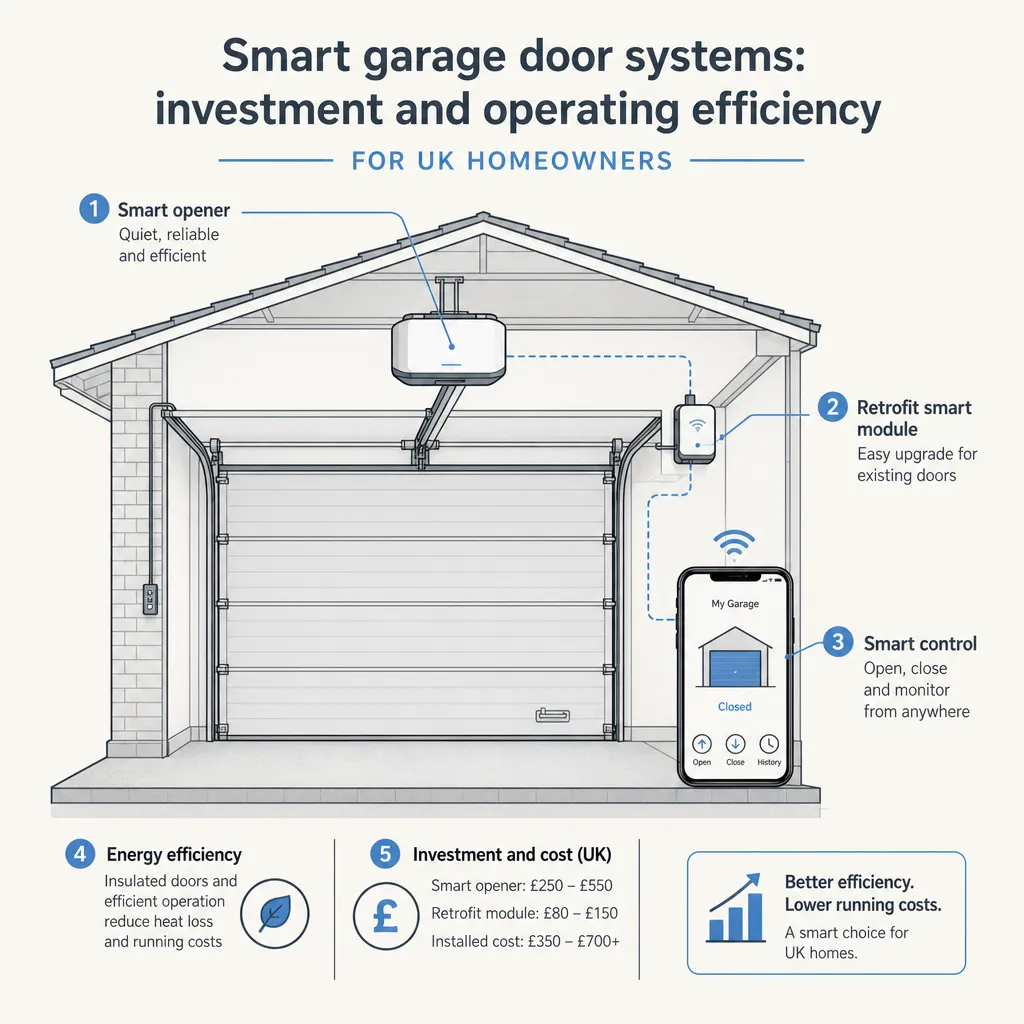
Smart garage door systems: investment and operating efficiency
A smart garage door system adds app control, automation, access logs, and smart home integration to a motorised garage door.