Smart Home Automation Systems and Central Control Solutions
By Housey · Last reviewed 30th of May 2026
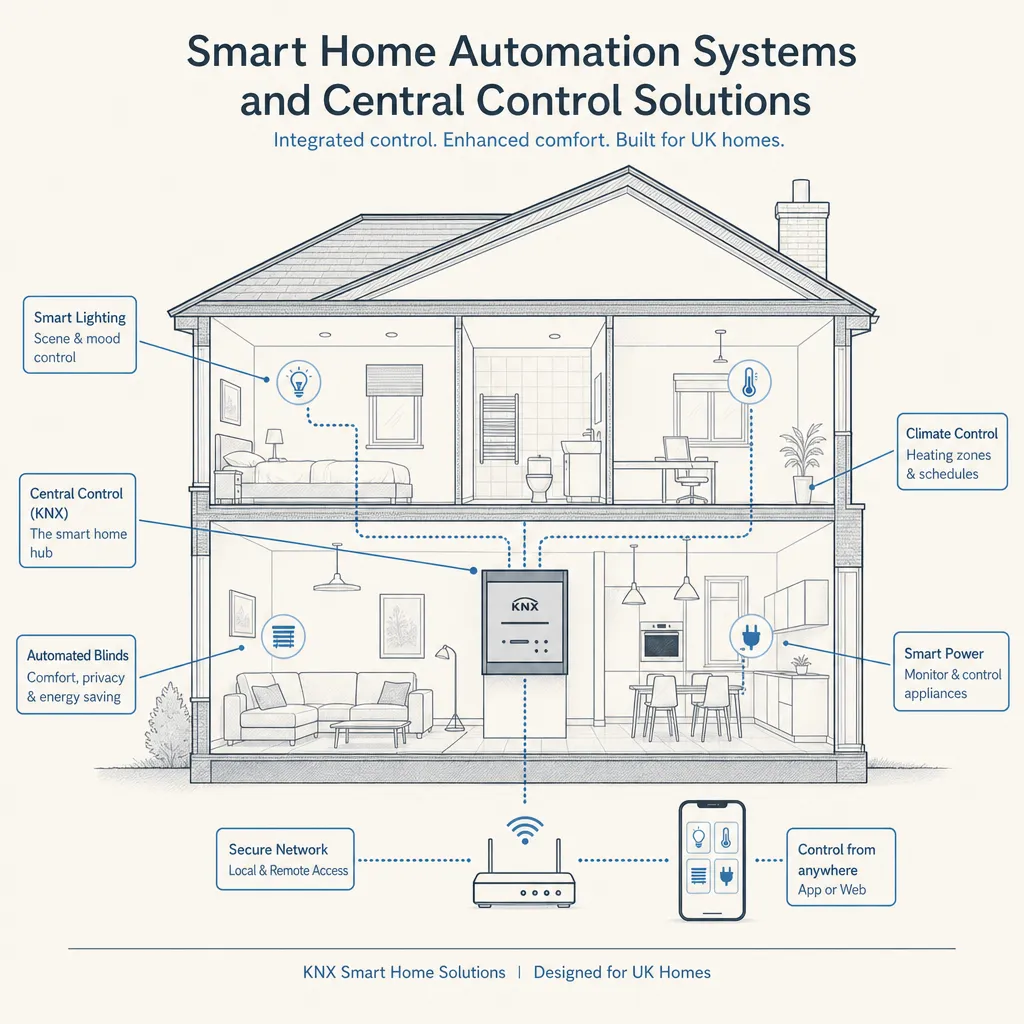
Smart Home Automation Systems and Central Control Solutions
Smart home automation moves beyond individual connected devices to a unified system where lighting, heating, security, audio, and window coverings work together through a single interface. For UK homeowners, the decision typically arrives during a major renovation, a new build, or when a growing collection of separate smart devices begins to feel disjointed and difficult to manage as a whole.
Key points
- KNX is the international open standard (EN 50090) for building automation, widely used in professional UK residential installations for its reliability, longevity, and independence from any single manufacturer.
- Matter is a newer open-source smart home standard launched in 2022 and maintained by the Connectivity Standards Alliance, designed to allow devices from different brands to communicate locally without cloud dependency.
- Building Regulations Part P covers notifiable electrical work in dwellings; any new circuits installed as part of a smart home system require either a Part P-registered electrician or building control notification.
- A professional smart home installation by a CEDIA-member integrator typically includes a design specification document, a commissioning report, and a structured owner training session.
- Proprietary systems such as Control4, Crestron, and Lutron Homeworks generally offer deeper, more reliable integration than consumer platforms, but require a certified dealer for programming and for any significant changes.
What is a smart home automation system?
A smart home automation system links the electrical and mechanical systems of a home — lighting, heating, ventilation, security cameras, door locks, audio, video, and window coverings — so that a homeowner can control them through a touchscreen panel, smartphone app, voice assistant, or pre-programmed scenes and schedules.
There is a meaningful distinction between two broad approaches:
- Interoperable consumer devices (e.g., Philips Hue lights, Nest thermostat, Ring doorbell): individual smart devices that may or may not communicate reliably with each other, often dependent on cloud services and the manufacturer's ongoing product support.
- Integrated home automation systems (e.g., Control4, KNX, Loxone, Lutron Homeworks): purpose-designed platforms in which all subsystems are engineered to work together, requiring professional design, installation, and programming.
Central control: protocols, hubs, and platforms
Platform or protocol | Type | Best for | Professional installer required? | Cloud dependency |
|---|---|---|---|---|
KNX (EN 50090) | Open wired/RF standard | Large homes, commercial-grade reliability, longevity | Yes — KNX Partner trained | No — local processing |
Loxone | Proprietary wired/wireless | Mid-to-large UK homes, all-in-one whole-home control | Yes — Loxone Partner | Minimal — local |
Control4 | Proprietary | High-end residential, deep AV integration | Yes — Control4 dealer | Partial |
Lutron Homeworks | Proprietary | Lighting specialist, highly reliable RF | Yes | Minimal |
Matter / Thread | Open wireless standard | Multi-brand device interoperability, future-proofing | No (complex setups benefit from a pro) | Designed for local |
Apple Home / Google Home / Amazon Alexa | Consumer platforms | Renters, lower budgets, casual DIY use | No | Yes — cloud dependent |
Home Assistant | Open-source | Tech-confident DIYers, full local control | No (steep learning curve) | Optional |
Which system should you choose?
- Choose a professional platform (KNX, Loxone, Control4, Lutron Homeworks) if you are building a new home or undertaking a full renovation, want a single interface for all systems, value long-term reliability over initial simplicity, or have a budget of roughly £10,000 or more for the automation layer alone.
- Choose a consumer platform (Apple Home, Google Home, Matter-compatible devices) if you are retrofitting incrementally, renting, or working with a more modest budget. Be aware that interoperability between brands can be inconsistent and cloud outages may affect functionality.
- Choose Home Assistant if you are technically confident, want full local control with no reliance on manufacturer cloud services, and are comfortable managing your own server, software updates, and integrations.
- Ask a CEDIA-member integrator if you are unsure — most offer a free or low-cost discovery consultation to help scope the right approach for your property size, systems, and budget.
- Check your broadband reliability before committing to any cloud-dependent system; rural properties with inconsistent connectivity may benefit from locally processed platforms such as KNX or Loxone.
What a professional smart home installation involves
A well-run professional installation follows a structured process:
1. Discovery and design The integrator surveys the property, documents which systems are in scope, and produces a design specification. This should include a room-by-room device schedule, a network diagram, and a control interface mock-up or demonstration.
2. First fix During a renovation or new build, the integrator coordinates with the main contractor to install conduit, backbone cabling (Cat 6 or Cat 6A for networking, low-voltage for control), and back-boxes before walls are plastered. This is the most cost-effective point at which to embed wiring.
3. Second fix Devices are fitted — keypads, sensors, touchscreens, and control processors. Network infrastructure including managed switches, Wi-Fi access points, and patch panels is installed and commissioned.
4. Programming and commissioning The central controller is programmed with scenes, schedules, and automation logic. All subsystems are integrated and tested end to end — including fallback behaviour if individual components lose power or connectivity.
5. Handover and training The homeowner receives a structured walk-through of the system, user guides, and typically a service contract for ongoing support and remote monitoring.
Homeowner checklist: preparing for a smart home installation
What to ask before hiring a smart home integrator
- Are you a CEDIA member, or certified by the platform you are proposing?
- What happens if I want to change or expand the system in five years — am I locked into your company for programming changes?
- Who programs the system, and what configuration export or access will I retain if I change integrators?
- What training and handover documentation will you provide at completion?
- Do you offer a service and maintenance contract, and what does it cover?
- Is the system designed to run locally if the internet connection goes down?
- What new circuits or electrical work does the installation require, and is a Part P-registered electrician involved?
- Is VAT included in the quoted price?
When to get professional help
A DIY approach works well for individual consumer devices. Seek professional help when:
- You want multiple subsystems — lighting, heating, AV, and security — controlled through a single unified interface.
- The installation involves new electrical circuits, which must be carried out by a Part P-registered electrician or notified to building control.
- You are specifying a system for a property you plan to sell, where documentation and system quality may be scrutinised by buyers and their solicitors.
- The property is listed or in a conservation area and internal works may require consent.
- You want a system that will remain operable and independently maintainable for ten or more years.
How Housey can help
Housey connects UK homeowners with qualified smart home integrators and AV installation specialists. Whether you are planning a comprehensive system for a new build or looking to bring cohesion to a growing collection of smart devices in an existing home, Housey can help you request quotes from local professionals and compare proposals clearly before committing.
Frequently asked questions
Do smart home systems add value to a UK property?
Evidence is mixed. A well-installed, documented, and maintainable system from a reputable platform can appeal to buyers in higher-value properties. A proprietary system that is difficult to understand or expand may deter buyers. Focus on quality, documentation, and clear handover materials rather than novelty features alone, and ensure any electrical work is certified.
What is the difference between KNX and Matter?
KNX is a mature wired standard (EN 50090) used extensively in professional UK residential installations, valued for reliability and long operational life. Matter is a newer wireless consumer standard focused on interoperability between brands. KNX is typically specified by professional integrators for whole-home projects; Matter is aimed at the consumer and DIY market.
Will a smart home system work during a power cut?
Most smart home devices require mains power to function. Wired systems such as KNX and Loxone typically include battery-backed control processors, allowing basic functions during a power cut. Consumer devices generally lose all functionality. An uninterruptible power supply for critical components — networking equipment and the control processor — is advisable for whole-house systems.
How disruptive is a smart home installation to live in?
The most disruptive phase is first fix — cable installation before plastering. In an occupied property this can involve lifting floorboards, gaining ceiling access, and temporarily interrupting lighting or power circuits. Most professional integrators phase the work to minimise disruption and can often progress room by room around daily life.
Can I integrate my existing smart devices into a new professional system?
Often, yes. Many professional platforms support integration with common consumer devices through APIs or third-party gateways. Compatibility varies, and older or less common devices may not integrate cleanly. Discuss your existing equipment in detail with the integrator during the design phase to identify any incompatibilities before installation begins.
Sources and further reading
- CEDIA UK — UK trade body for home technology professionals, training and certification standards
- KNX Association — international open standard for building automation (EN 50090)
- Connectivity Standards Alliance — Matter — open standard for smart home device interoperability
- GOV.UK: Building regulations and approved documents — Part P requirements for notifiable electrical work in dwellings
Useful next reads
 Improvement & Build
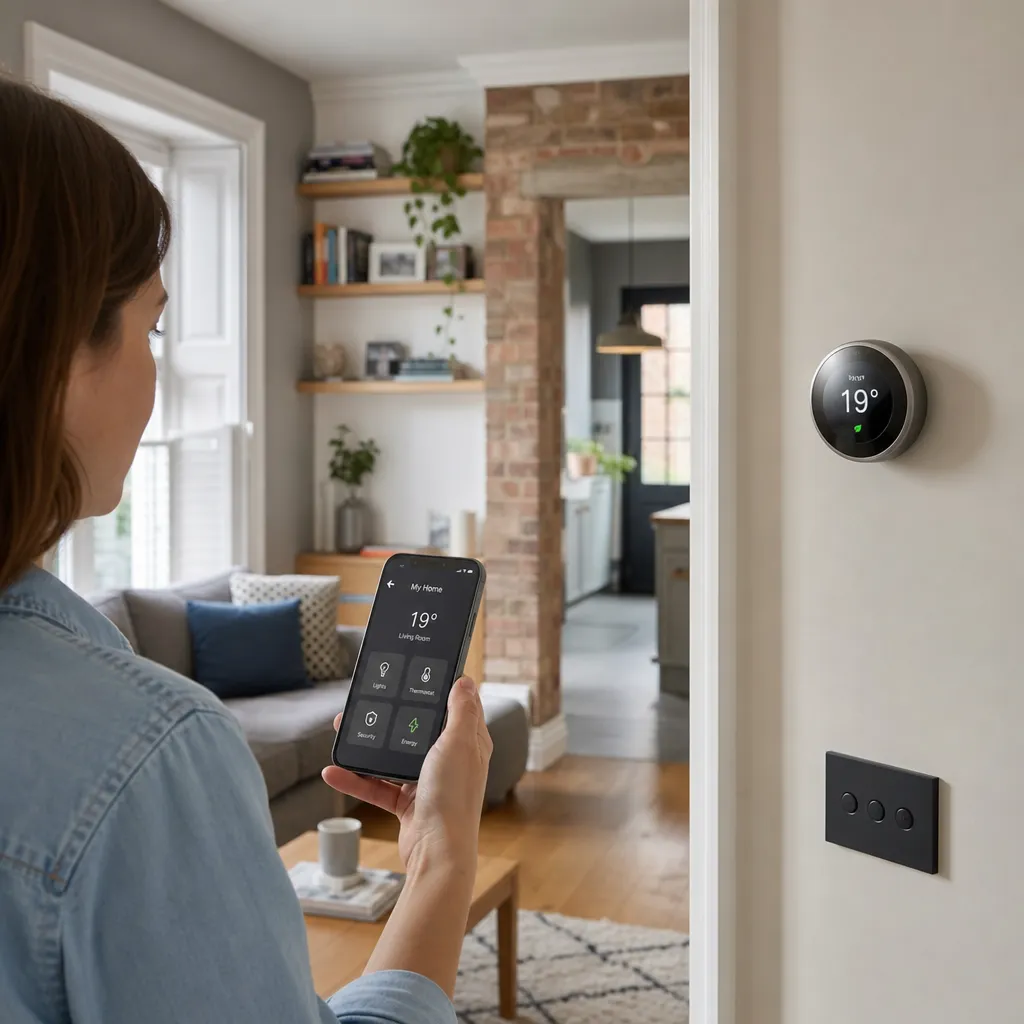
Smart Home Technology and Mobile Device Integration
Most smart home devices in the UK are controlled via dedicated smartphone apps or platforms such as Amazon Alexa, Google Home, or Apple Home.
 Improvement & Build
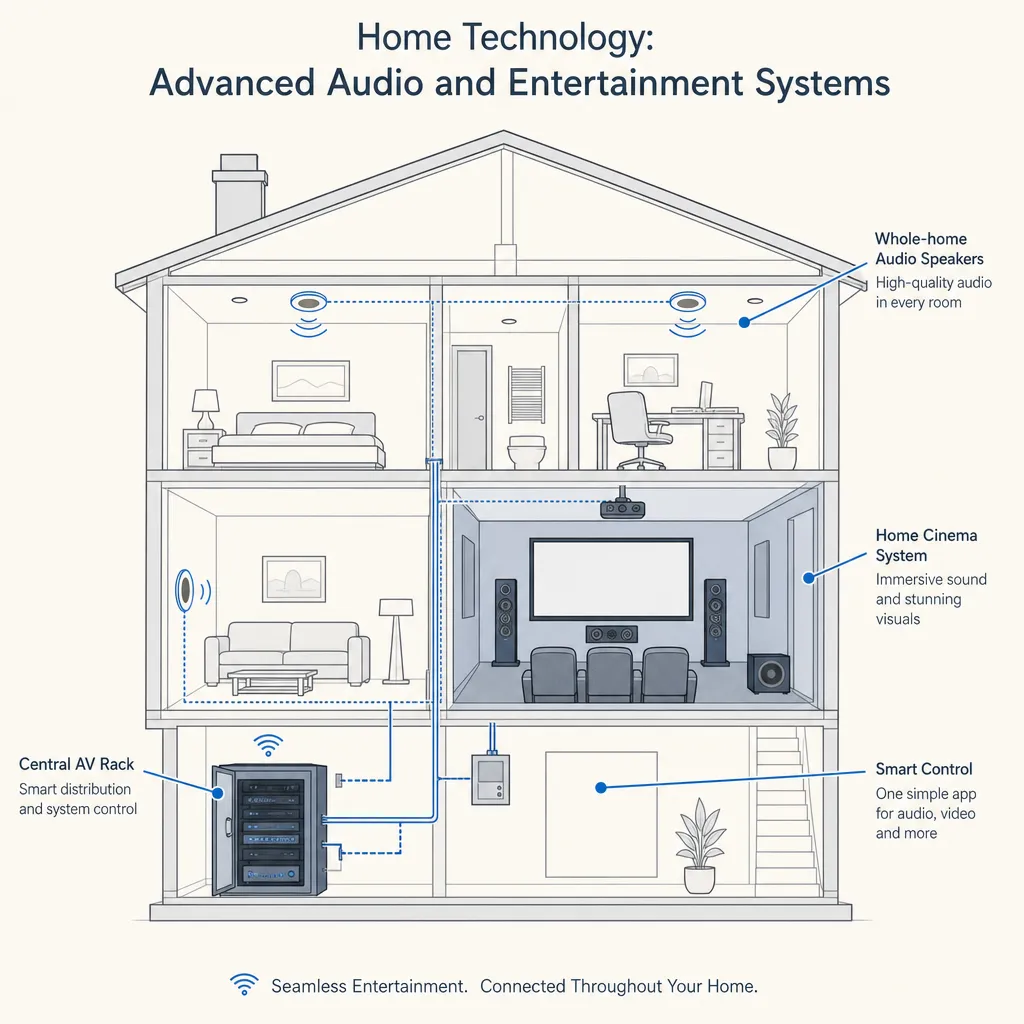
Home Technology: Advanced Audio and Entertainment Systems
Advanced home audio and entertainment systems range from distributed multi-room speakers to dedicated home cinema rooms.
 Improvement & Build
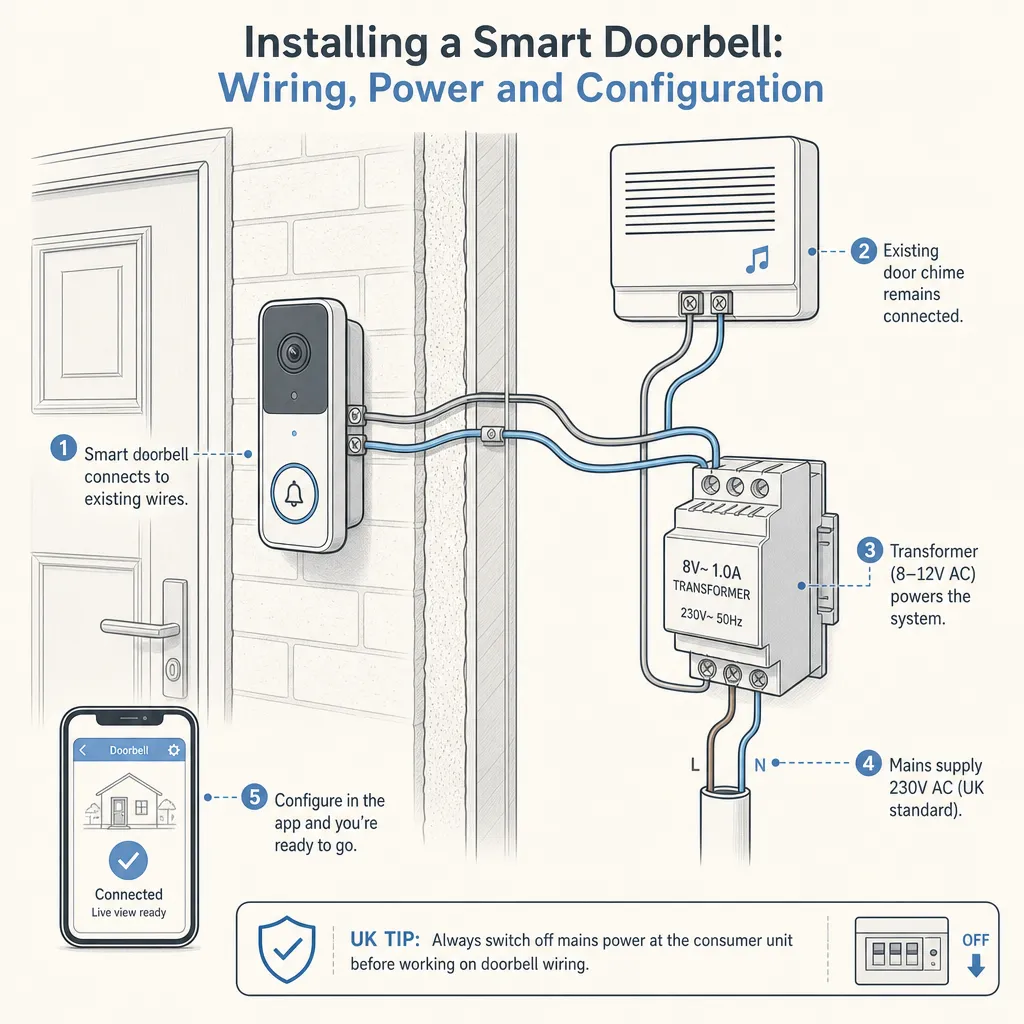
Installing a Smart Doorbell: Wiring, Power and Configuration
Most smart doorbells can be installed without an electrician, using either built-in rechargeable batteries or an existing 8–24V AC doorbell transformer.
 Improvement & Build
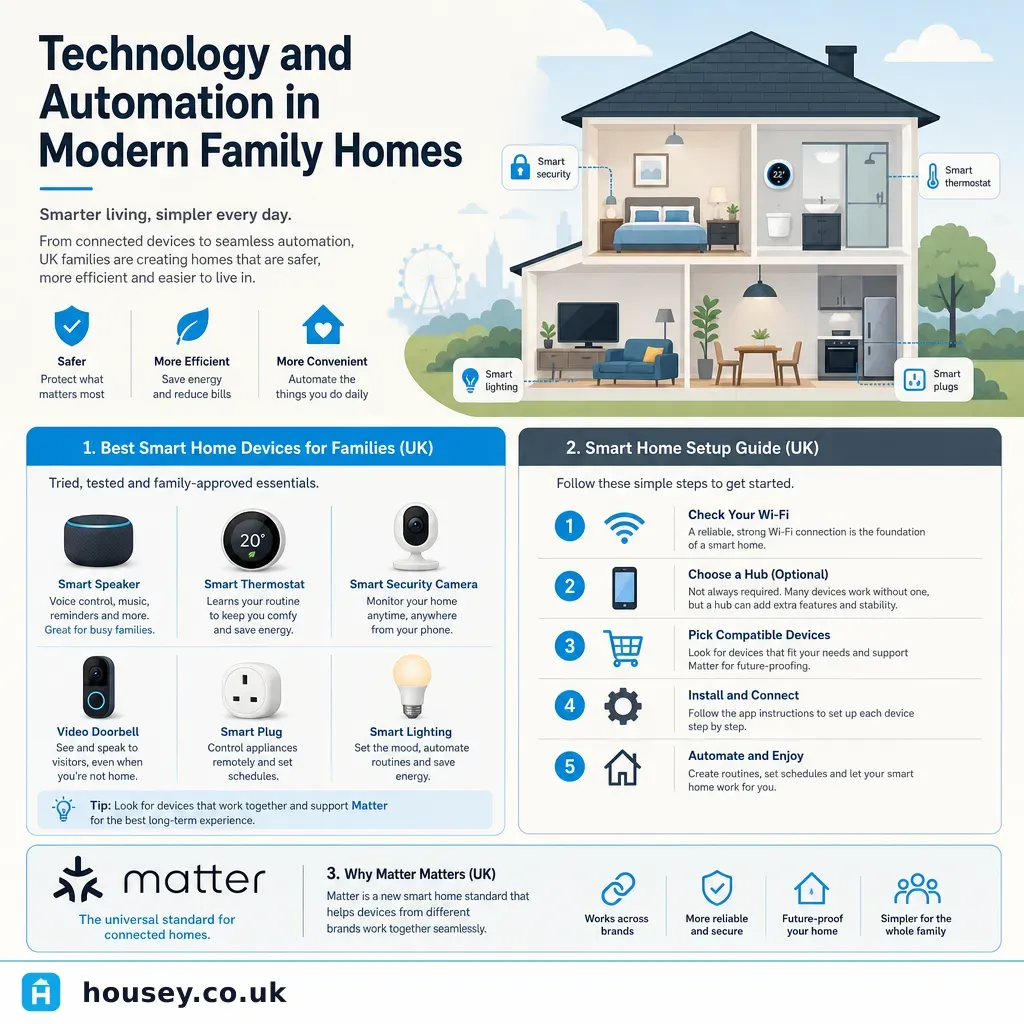
Technology and Automation in Modern Family Homes
Smart home technology lets UK families automate lighting, heating, security, and entertainment from a single app or voice command.
 Improvement & Build
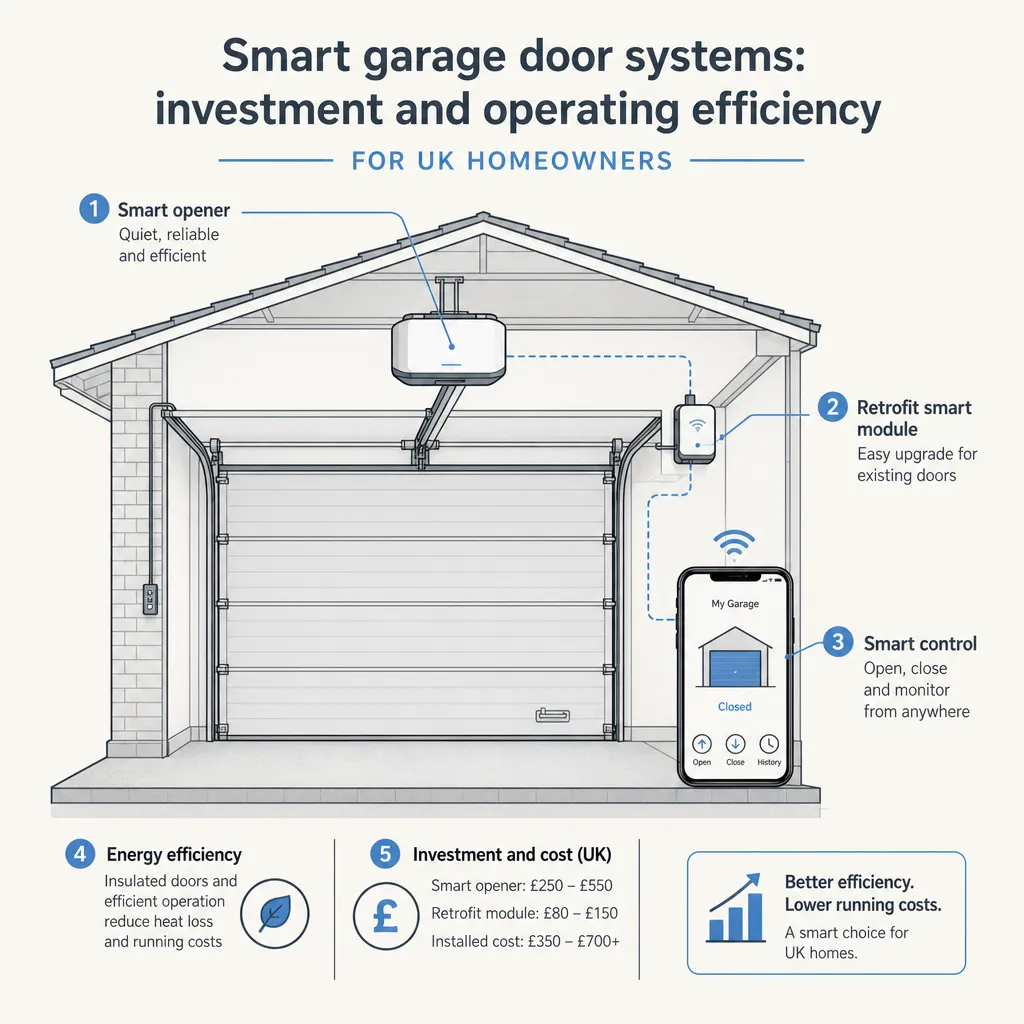
Smart garage door systems: investment and operating efficiency
A smart garage door system adds app control, automation, access logs, and smart home integration to a motorised garage door.